
4.2 KiB
4.2 KiB
Immich Selfie Timelapse Tool
This tool helps create selfie timelapses from your Immich instance.
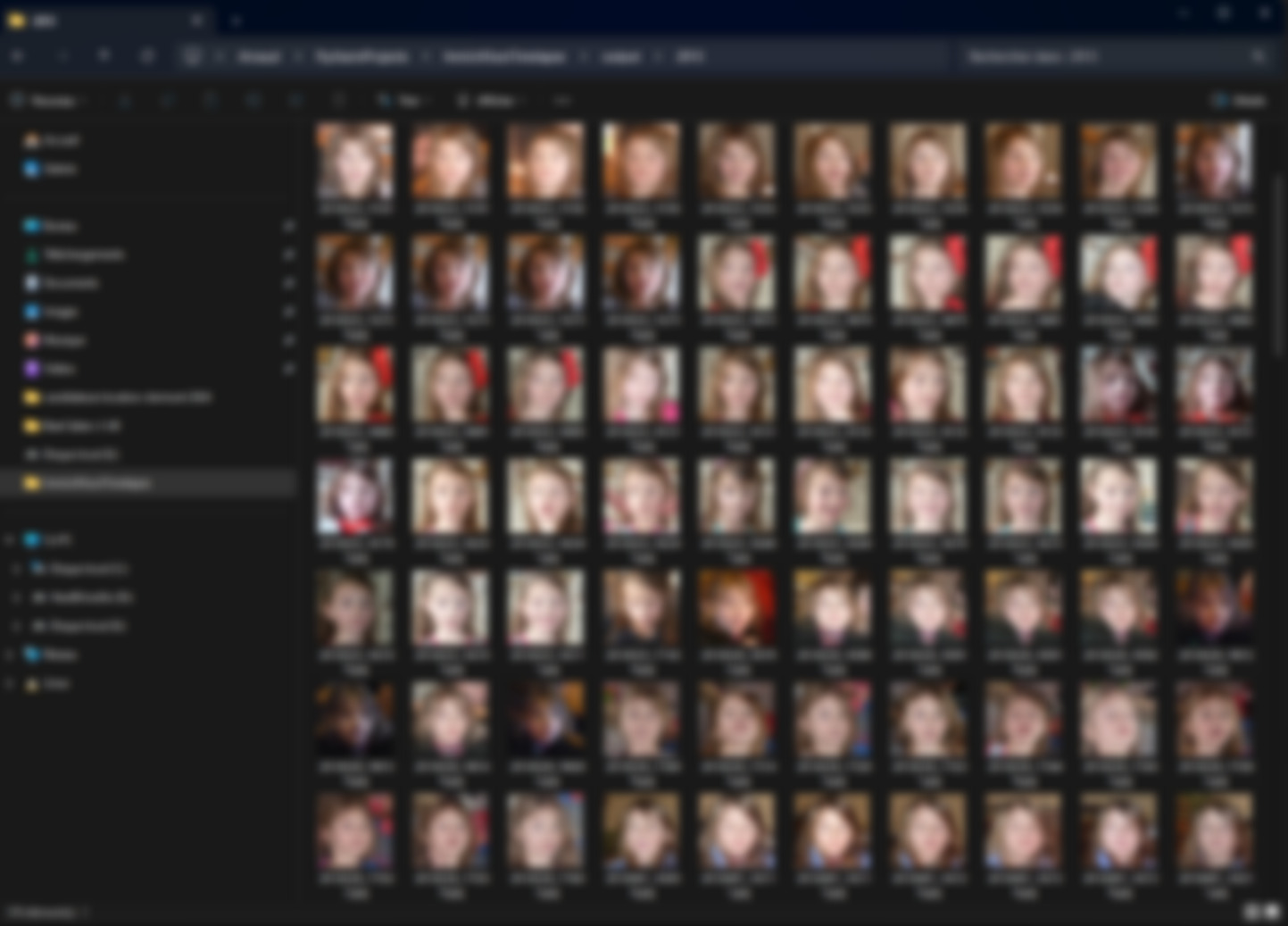
It uses the powerful machine learning features of Immich to gather all the photographs where a particular individual appears, retrieves the bounding box metadata, and automatically crops and aligns the photos.

Features
- Automatically fetch images featuring a specified individual from your Immich instance.
- Extract bounding box metadata and crop/align photos using machine learning.
- Discard photos with low resolution (set by threshold).
- Discard photos where the subject is viewed from the side.
- Adds timestamp in the filename for easy chronological ordering.
Setup
-
Generate an API Key in Immich:
- Log in to your Immich web UI.
- Navigate to the API settings (or your profile settings) and generate an API key.
- Copy the API key for use with the script.
-
Find the Person ID:
- In the Immich web UI, view photos sorted by person.
- When you click on a specific person, check the URL in your browser.
- The person ID (usually a UUID) is part of the URL. Copy this ID for use in the script.
-
Install Dlib python library
- Download the wheel for your python version here: https://github.com/z-mahmud22/Dlib_Windows_Python3.x
- Install it with
python -m pip install dlib-19.24.99-cp312-cp312-win_amd64.whl
-
Download the face detection CNN model
- Download mmod_human_face_detector.dat from: https://github.com/justadudewhohacks/face-recognition.js-models/blob/master/models/mmod_human_face_detector.dat
- Place the file in the same folder as the script, or update the predictor path in the script accordingly.
-
Download the Face Landmark Data:
- Download the 68-point face landmark model from: https://github.com/italojs/facial-landmarks-recognition/blob/master/shape_predictor_68_face_landmarks.dat
- Place the file in the same folder as the script, or update the predictor path in the script accordingly.
-
Install the required python modules from requirements.txt
- Note that an old version of Numpy is required for compatibility with dlib.
Usage
Run the script from the command line with the required arguments. For example:
python process_faces.py \
  --api-key YOUR_API_KEY \
  --base-url http://your.immich.server:2283/api \
  --person-id YOUR_PERSON_ID \
  --output-folder output
Command-line Arguments
- --api-key: API key generated from Immich.
- --base-url: Base URL of your Immich API (e.g., http://192.168.1.123:2283/api).
- --person-id: The ID of the person (obtained from the Immich web UI).
- --output-folder: Directory where the aligned face images will be saved (default: output).
- --padding-percent: Padding added around the face as a percentage (default: 0.3).
- --resize-width and --resize-height: Dimensions for the output image (default: 512 x 512).
- --min-face-width and --min-face-height: Minimum acceptable face dimensions (default: 128 x 128).
- --pose-threshold: Threshold for acceptable head pose.
- --desired-left-eye: Desired left eye position as a fraction (x y) in the output image (default: 0.35 0.45).
- --max-workers: Number of parallel processes to use (default: 4).
- --face-detect-model-paths: Path to the CNN face detector model file (default: mmod_human_face_detector.dat).
- --landmark-model-path: Path to the face landmark predictor model file (default: shape_predictor_68_face_landmarks.dat).
Additional Notes
- Ensure that the
shape_predictor_68_face_landmarks.datfile is accessible by the script. Update the path if necessary. - The tool may require some manual sorting of the output images to achieve the best video effect. In particular, the face landmark detection is not super robust.
- Execution speed: on my i5 11400, it can process about 2 image per second.
- I find that a video framerate of 15 fps gives good results.
- Contributions and improvements are welcome.
License
This project is open source and available under the MIT License.