 54d689a901
Adds iOS app link to supported platforms in README
Adjusts formatting for KV namespace setup instructions

The iOS app is now available on the App Store at id6745417598
5.4 KiB
5.4 KiB
⚡ Sink
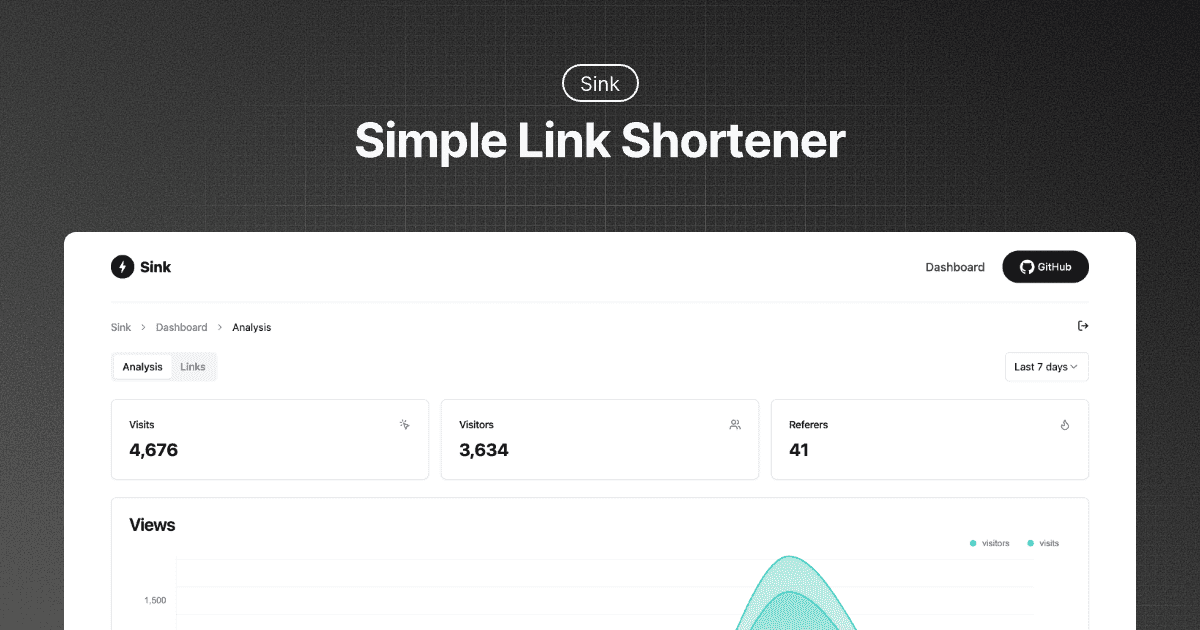
A Simple / Speedy / Secure Link Shortener with Analytics, 100% run on Cloudflare.




✨ Features
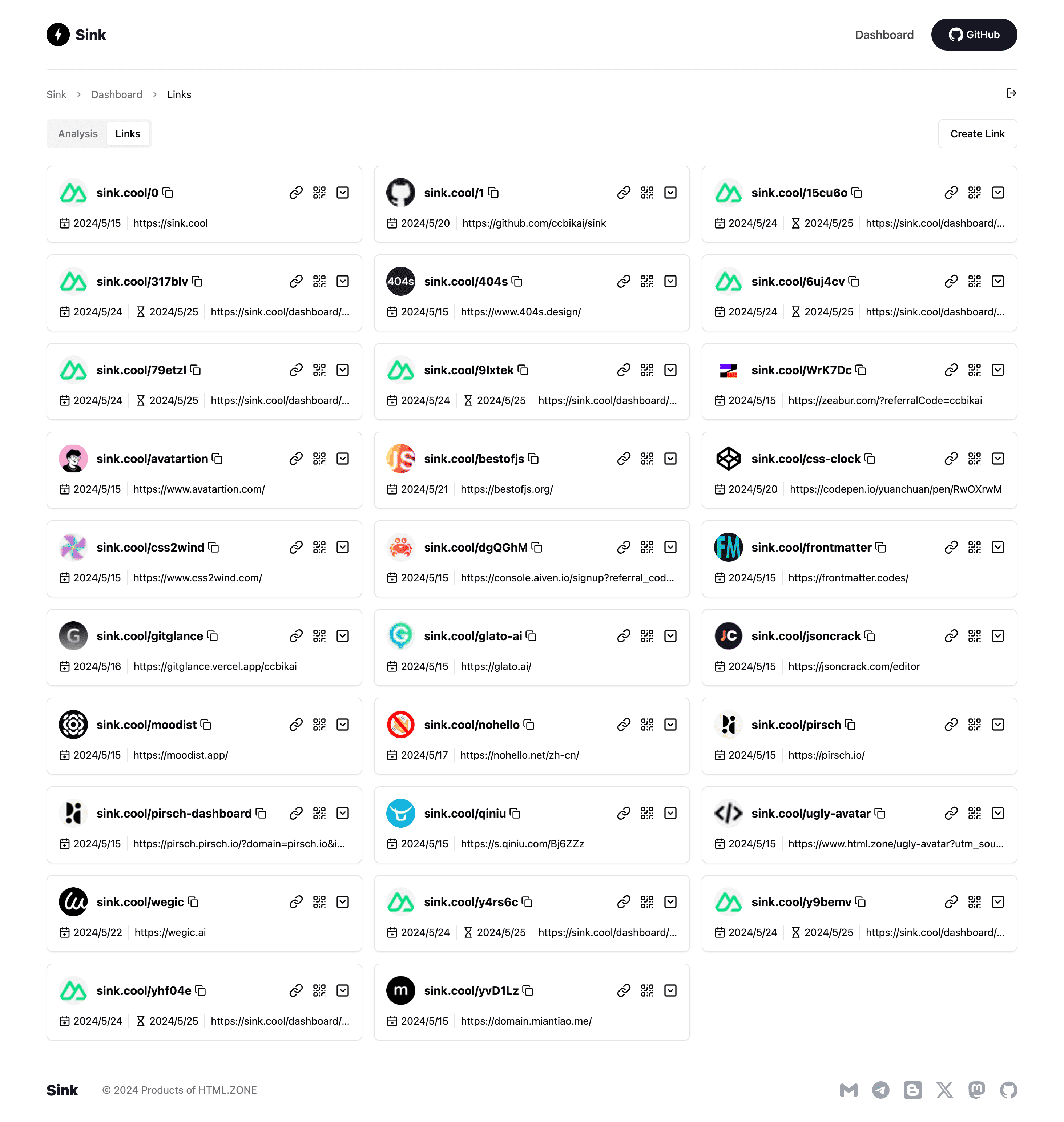
- URL Shortening: Compress your URLs to their minimal length.
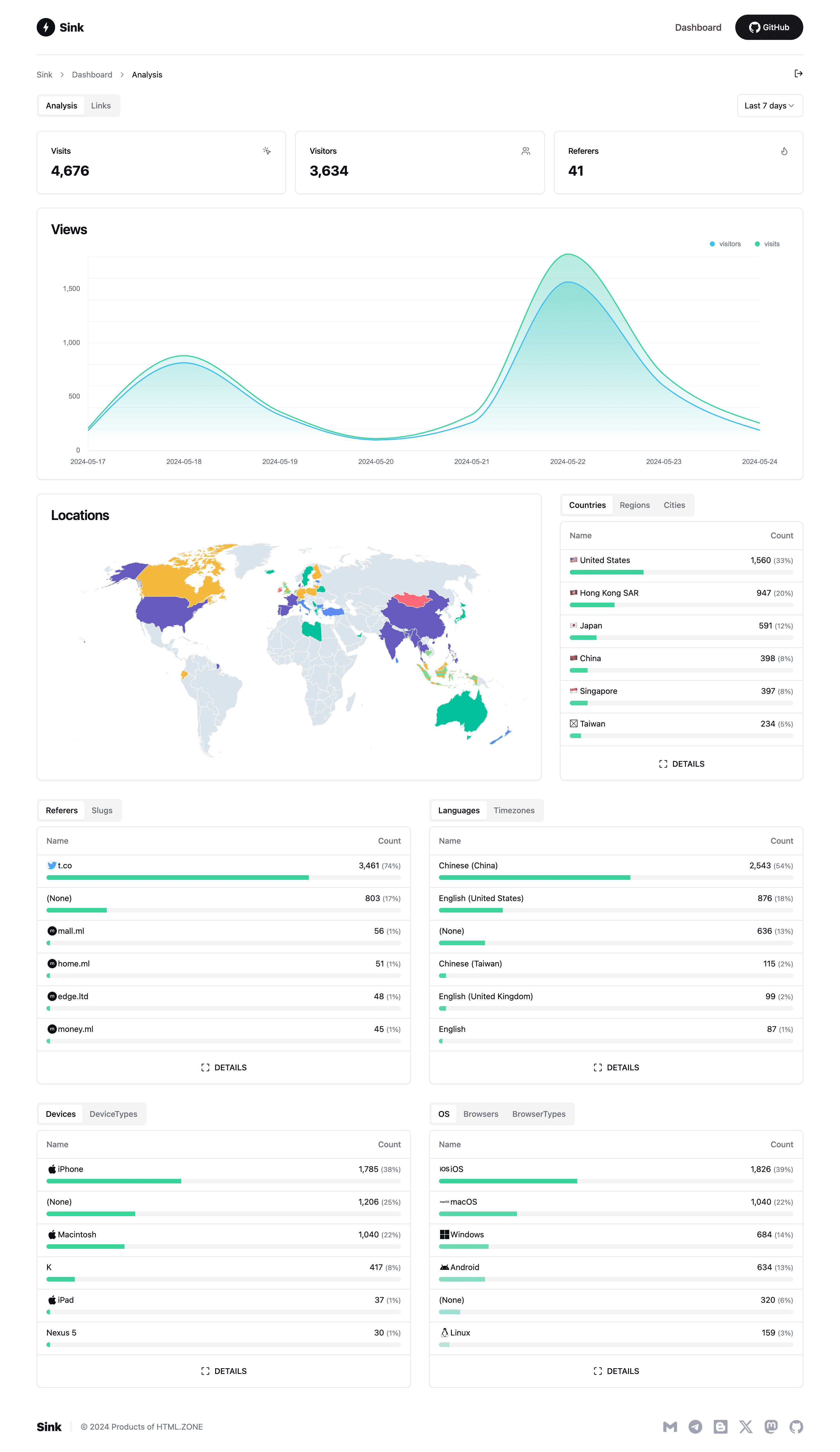
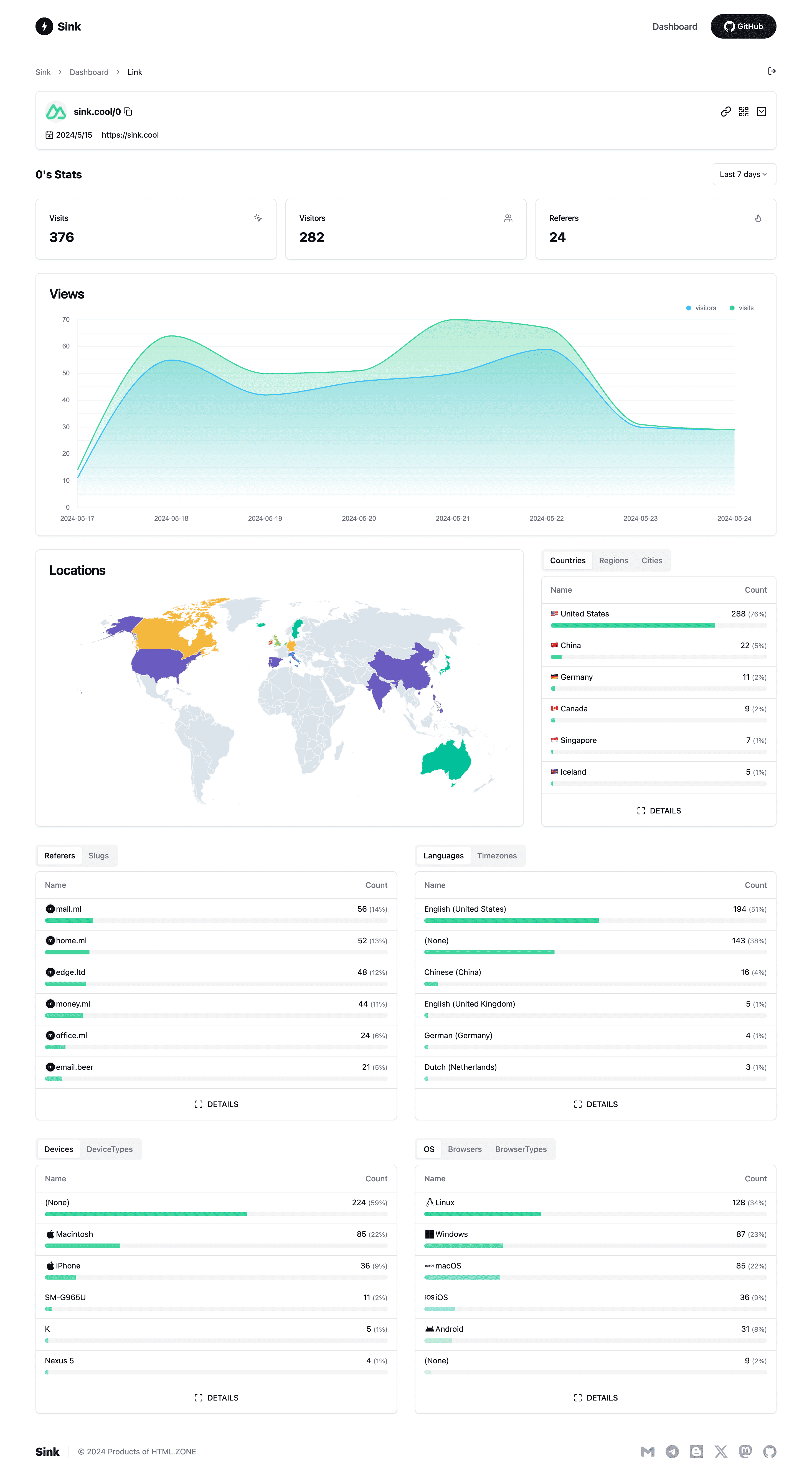
- Analytics: Monitor link analytics and gather insightful statistics.
- Serverless: Deploy without the need for traditional servers.
- Customizable Slug: Support for personalized slugs and case sensitivity.
- 🪄 AI Slug: Leverage AI to generate slugs.
- Link Expiration: Set expiration dates for your links.
🪧 Demo
Experience the demo at Sink.Cool. Log in using the Site Token below:
Site Token: SinkCool
Screenshots
🧱 Technologies Used
- Framework: Nuxt
- Database: Cloudflare Workers KV
- Analytics Engine: Cloudflare Workers Analytics Engine
- UI Components: Shadcn-vue
- Styling: Tailwind CSS
- Deployment: Cloudflare
🚗 Roadmap [WIP]
We welcome your contributions and PRs.
- Browser Extension - Sink Tool
- Raycast Extension - Raycast-Sink
- Apple Shortcuts - Sink Shortcuts
- iOS App - Sink
- Enhanced Link Management (with Cloudflare D1)
- Analytics Enhancements (Support for merging filter conditions)
- Dashboard Performance Optimization (Infinite loading)
- Units Test
- Support for Other Deployment Platforms
🏗️ Deployment
Video tutorial: Watch here
-
Fork the repository to your GitHub account.
-
Create a project in Cloudflare Pages.
-
Select the
Sinkrepository and choose theNuxt.jspreset. -
Configure the following environment variables:
NUXT_SITE_TOKEN: Must be longer than 8 characters. This token grants access to your dashboard.NUXT_CF_ACCOUNT_ID: Locate your account ID.NUXT_CF_API_TOKEN: Create a Cloudflare API token with at leastAccount.Account Analyticspermissions. See reference.
-
Save and deploy the project.
-
Cancel the deployment, then navigate to Settings -> Bindings -> Add:
- KV Namespace: Bind the variable name
KVto a KV namespace (create a new one under Storage & Databases -> KV). - Workers AI (Optional): Bind the variable name
AIto the Workers AI Catalog. - Analytics Engine:
- In Workers & Pages, go to Account details on the right side, find
Analytics Engine, and clickSet upto enable the free version. - Return to Settings -> Bindings -> Add and select Analytics engine.
- Bind the variable name
ANALYTICSto thesinkdataset.
- In Workers & Pages, go to Account details on the right side, find
- KV Namespace: Bind the variable name
-
Redeploy the project.
-
Update code, refer to the official GitHub documentation Syncing a fork branch from the web UI.