 dd3578bc48
- Increased the height of the history card a slight bit - Fixed app not using the -S format sorter in normal GUI downloads - Added the multiple download card as an option to disable the swipe gestures - Added a recyclerview to the search results because they were buggy before and would not show sometimes - Added a new history item card design in cases if you quick-downloaded a playlist or if you made multiple cuts of a file. Instead of being separate, they are bundled and you can share them all at once and if you want to open the file a new dialog will show telling you to choose which one. If any of them is deleted, they are greyed out - Fixed the shortcuts behaviour by allowing duplicate shortcuts to be added to textbox and to not check - Added format filtering in the format list bottom sheet. You can filter between ALL, SUGGESTED, SMALLEST, GENERIC. Suggested formats are built upon your app preferences like your preferred codec, container, quality. Smallest formats are all formats for each resolution with the smallest filesize. Generic are formats you see if an item has not updated the formats yet, in case you want to use those for some reason - Added clipboard button right in the home screen for quick access to the url you copied instead of going to the searchview. That item is also available there aswell - Added ability to show the URL in a history item if the download produced no title for it - Added zoom-in zoom-out slider for logs and terminal screens. - Added more options of datafetching for titles and authors, like track, alt_title to avoid the default youtube naming scheme when available. Useful for audio downloads - Since some people are confused. In the download card each tab item is independent and they each create a distinct download item and when you press download the app picks from the tab you are currently. If you want to select the audio format in the video tab you can just open the format list and scroll to the bottom for the audio formats. You can select multiple if you want and then press ok. But since some people thought that selecting the audio in audio tab would apply to the video tab, i added the ability to synchronise that format automatically in case people dont know about this lol - Other small bug fixes |
||
|---|---|---|
| .github | ||
| .idea | ||
| app | ||
| fastlane/metadata/android/en-US | ||
| gradle/wrapper | ||
| .gitignore | ||
| build.gradle | ||
| CONTRIBUTING.MD | ||
| gradle.properties | ||
| gradlew | ||
| gradlew.bat | ||
| LICENSE | ||
| README-az.md | ||
| README-id.md | ||
| README-pt.md | ||
| README-sq.md | ||
| README.md | ||
| SECURITY.md | ||
| settings.gradle | ||

YTDLnis
YTDLnis is a free and open source video/audio downloader using yt-dlp for Android 6.0 and above.
[Created by Denis Çerri. Currently being maintained by zaednasr]







The links above are the only trusted sources of YTDLnis. Everything else is not related to me.
💡 Features:
- download audio/video files from more than 1000 websites
- process playlists
- edit every playlist item separately just like in a normal download item.
- select a common format for all items and/or select multiple audio formats in case you are downloading them as a video
- select a download path for all items
- select a filename template for all items
- batch update download type to audio/video/custom command in one click
- queue downloads and schedule them by date and time
- you can also schedule multiple items at the same time
- download multiple items at the same time
- use custom commands and templates or go full yt-dlp mode with a built in terminal
- you can backup and restore templates, so you can share with your buddies
- COOKIES support. Log in with your accounts and download private/unavailable videos, unlock premium formats etc.
- cut videos based on timestamps and video chapters (This yt-dlp feature is experimental on the original project)
- you can make unlimited cuts
- remove sponsorblock elements from the item
- embed them as a chapters in your video
- embed subtitles/metadata/chapters etc
- modify metadata such as title and author
- split item into separate files depending on its chapters
- select different download formats
- bottom card right from the share menu, no need to open the app
- you can create a txt file and fill it with links/playlists/search queries separate by a new line and the app will process them
- search or insert a link from the app
- you can stack searches so you can process them at the same time
- log downloads in case of problems
- re-download cancelled or failed downloads
- you can use gestures to swipe left to redownload and right to delete
- you can long click the redownload button in the details sheet to show the download card for more functionality
- incognito mode when you don't want to save a download history or logs
- quick download mode
- download immediately without having to wait for data to process. Turn off the bottom card and it will instantly start
- open / share downloaded files right from the finished notification
- most yt-dlp features are implemented, suggestions are welcome
- Material You interface
- Theming options
- Backup and restore features. (Almost everything can be backed up)
- MVVM Architecture w/ WorkManager
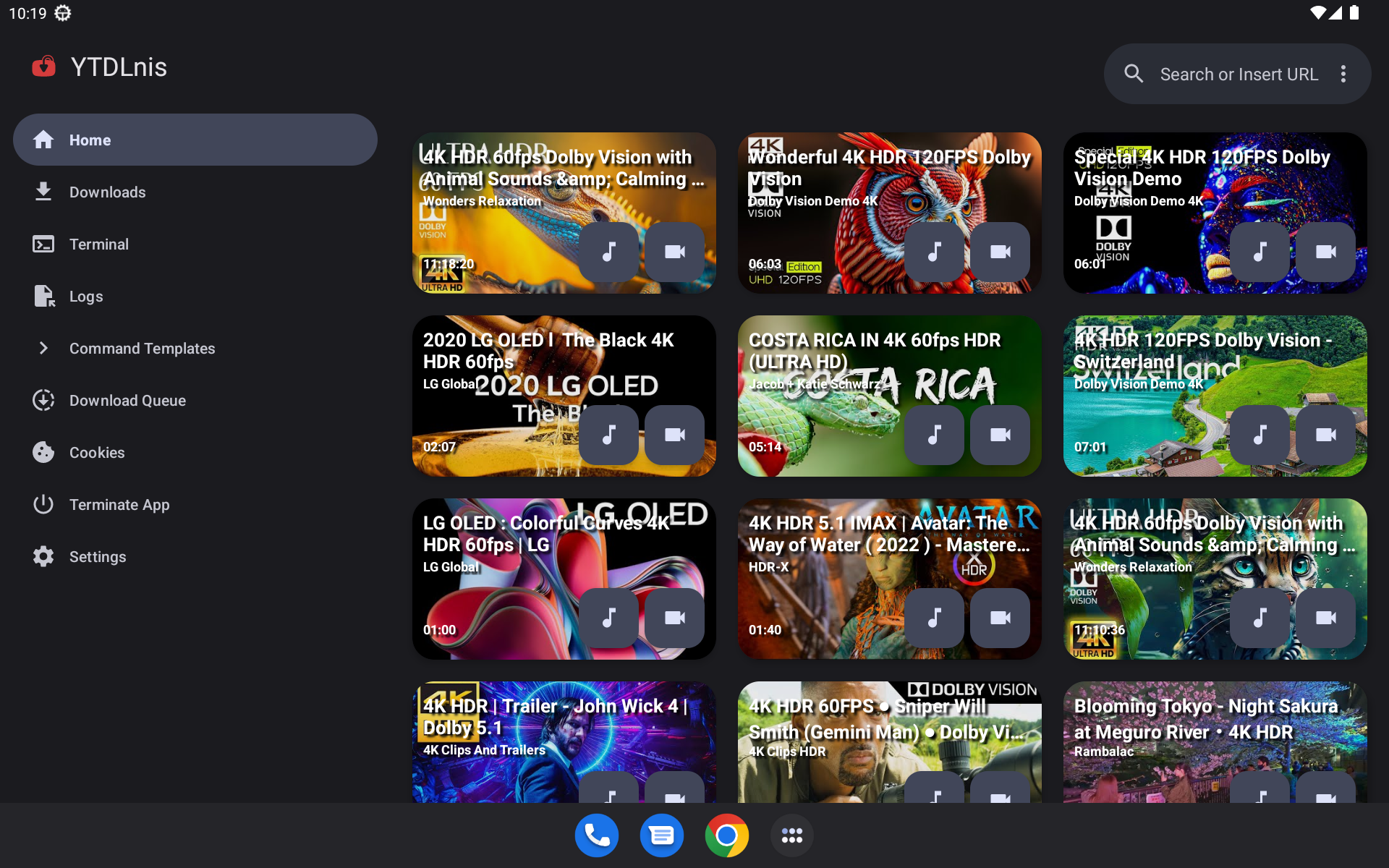
📲 Screenshots
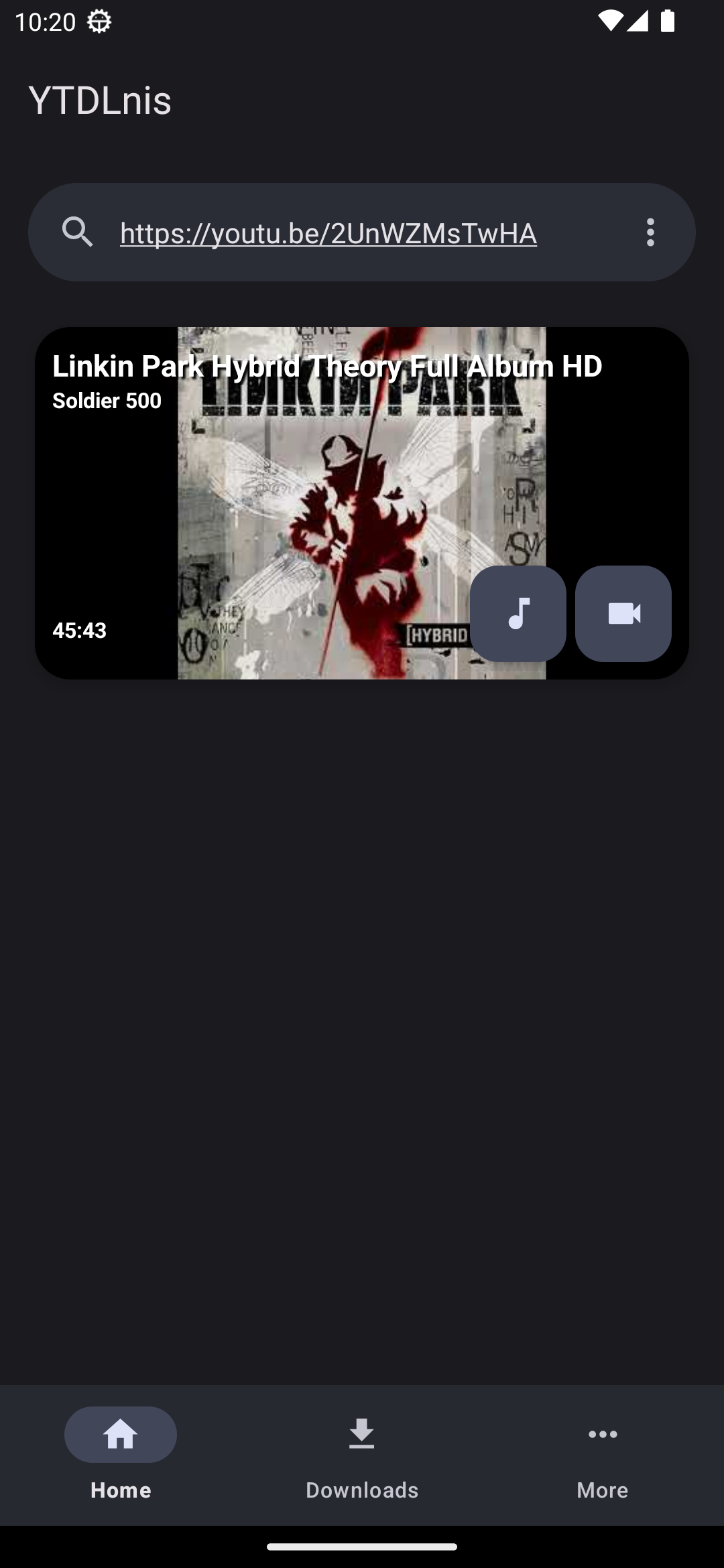
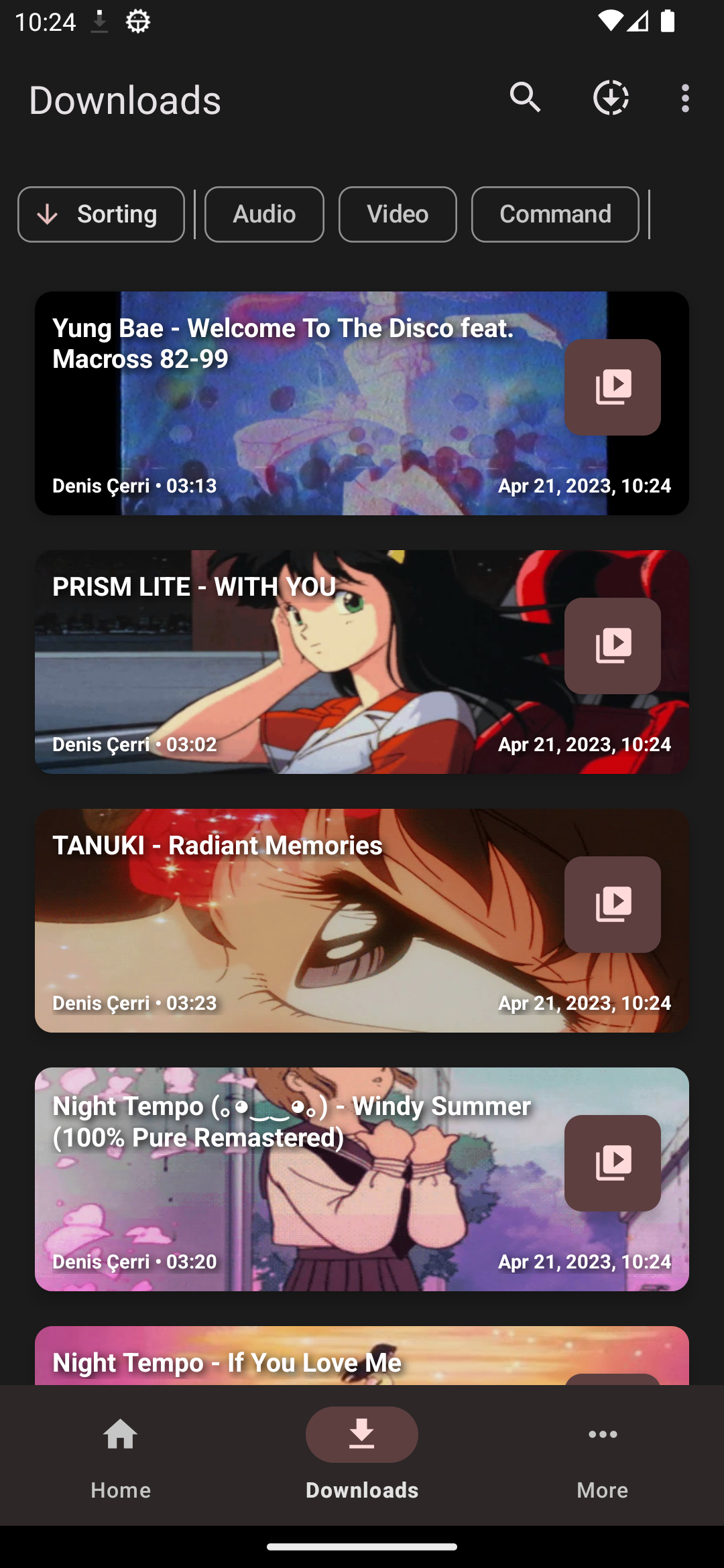
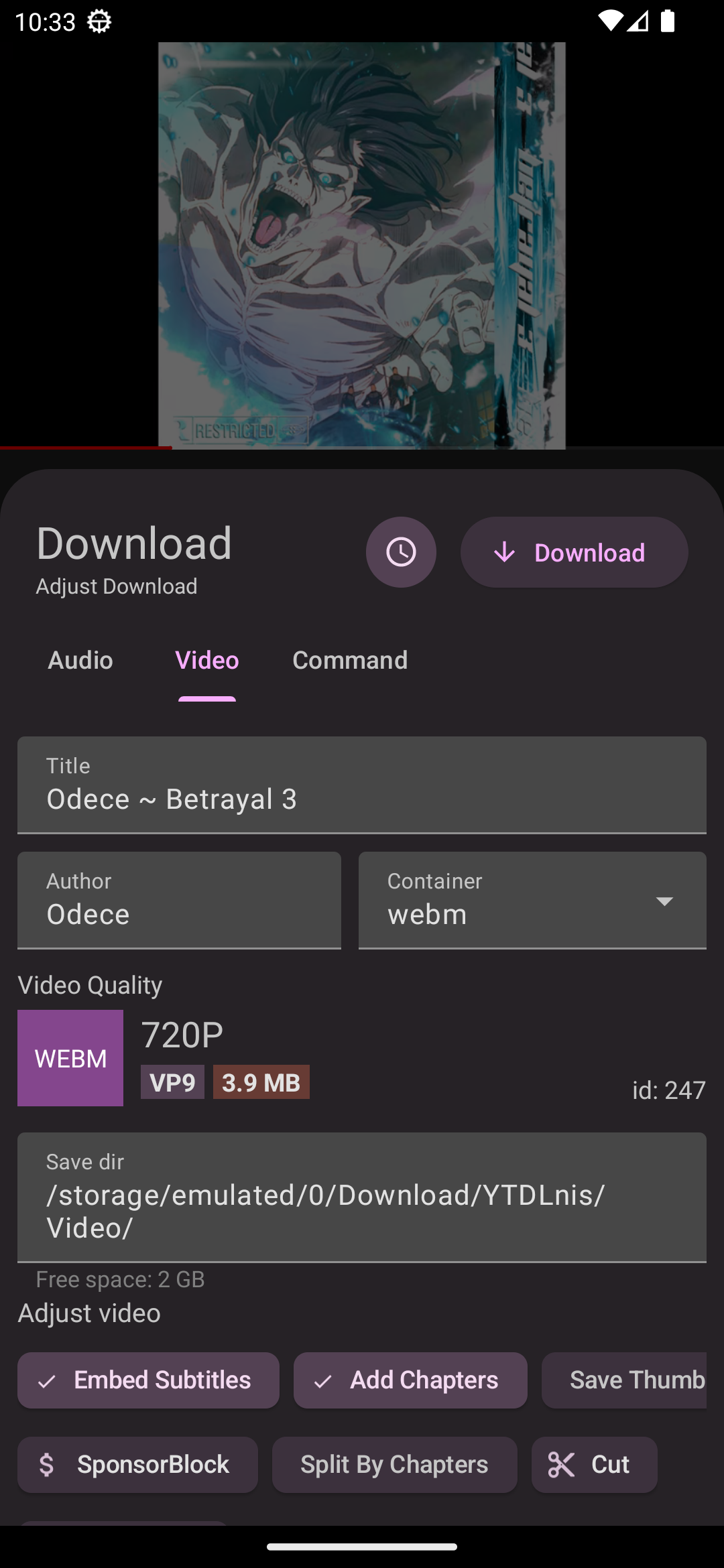
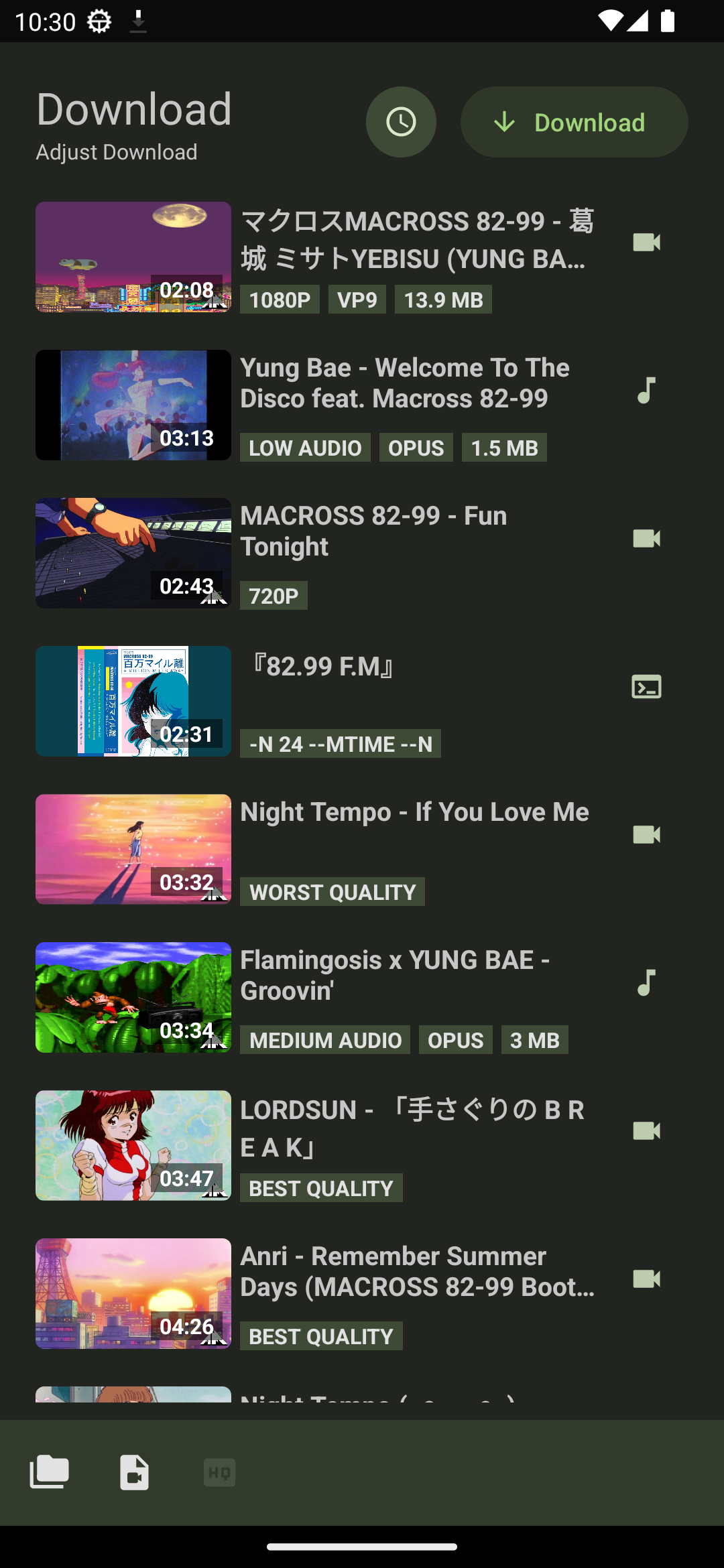
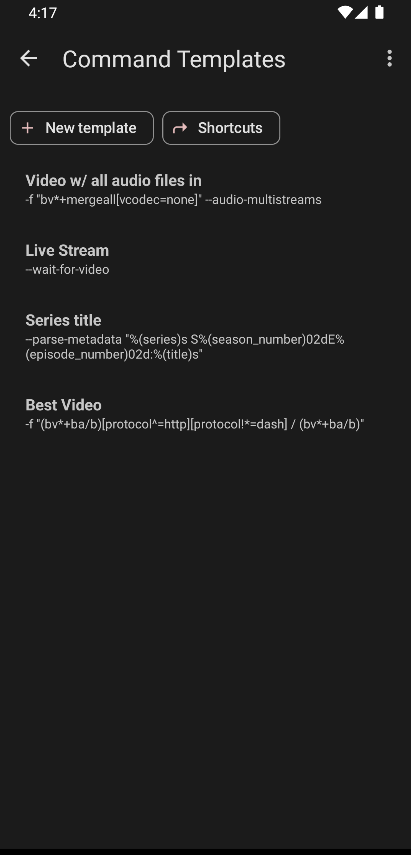
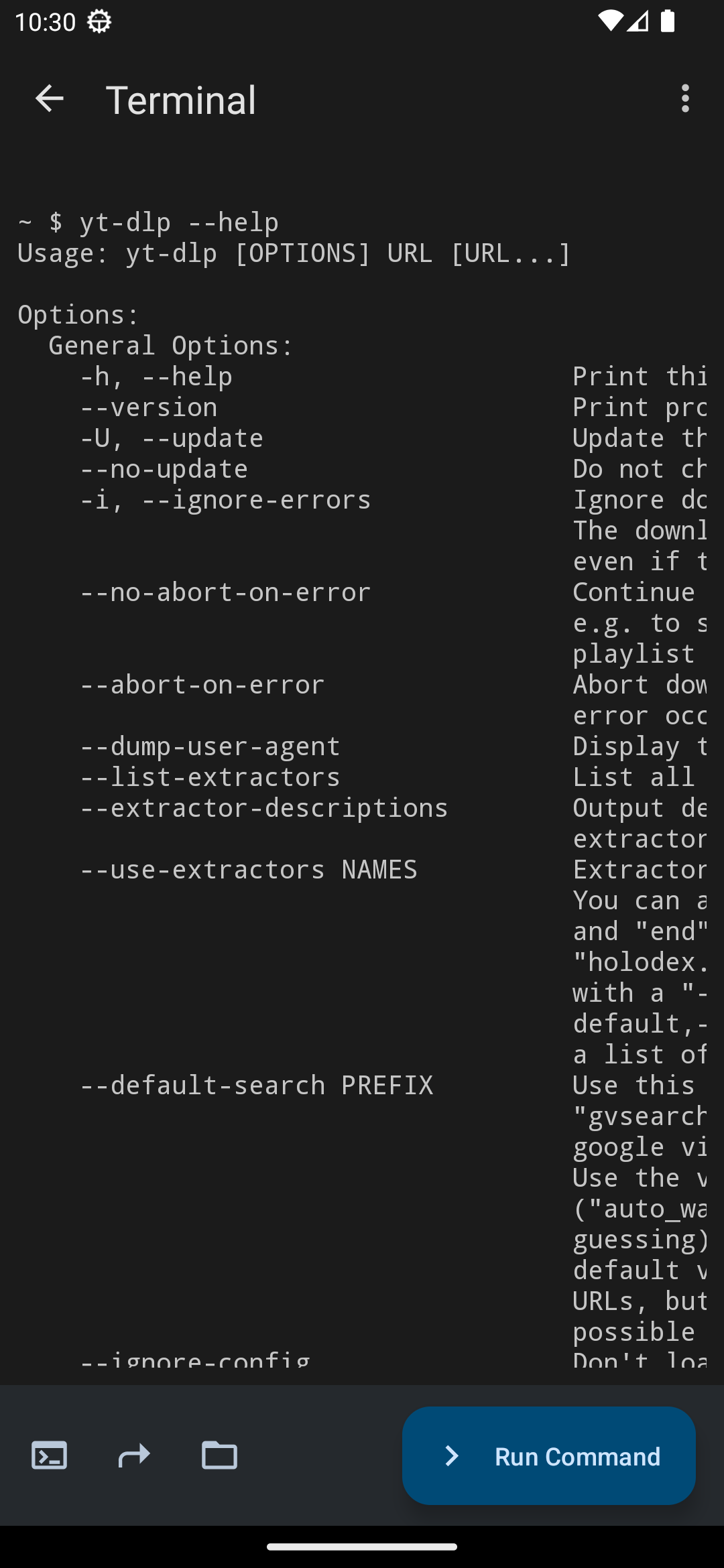
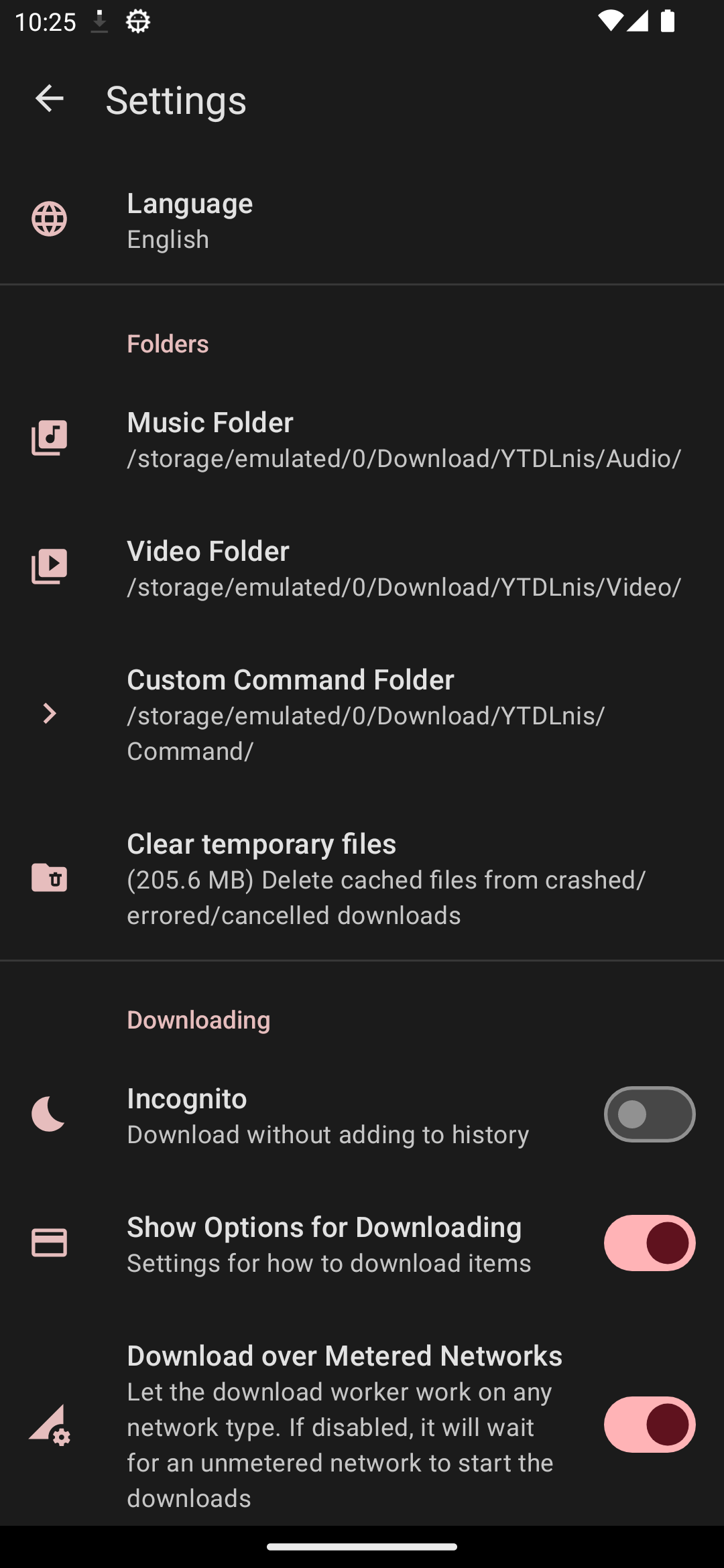
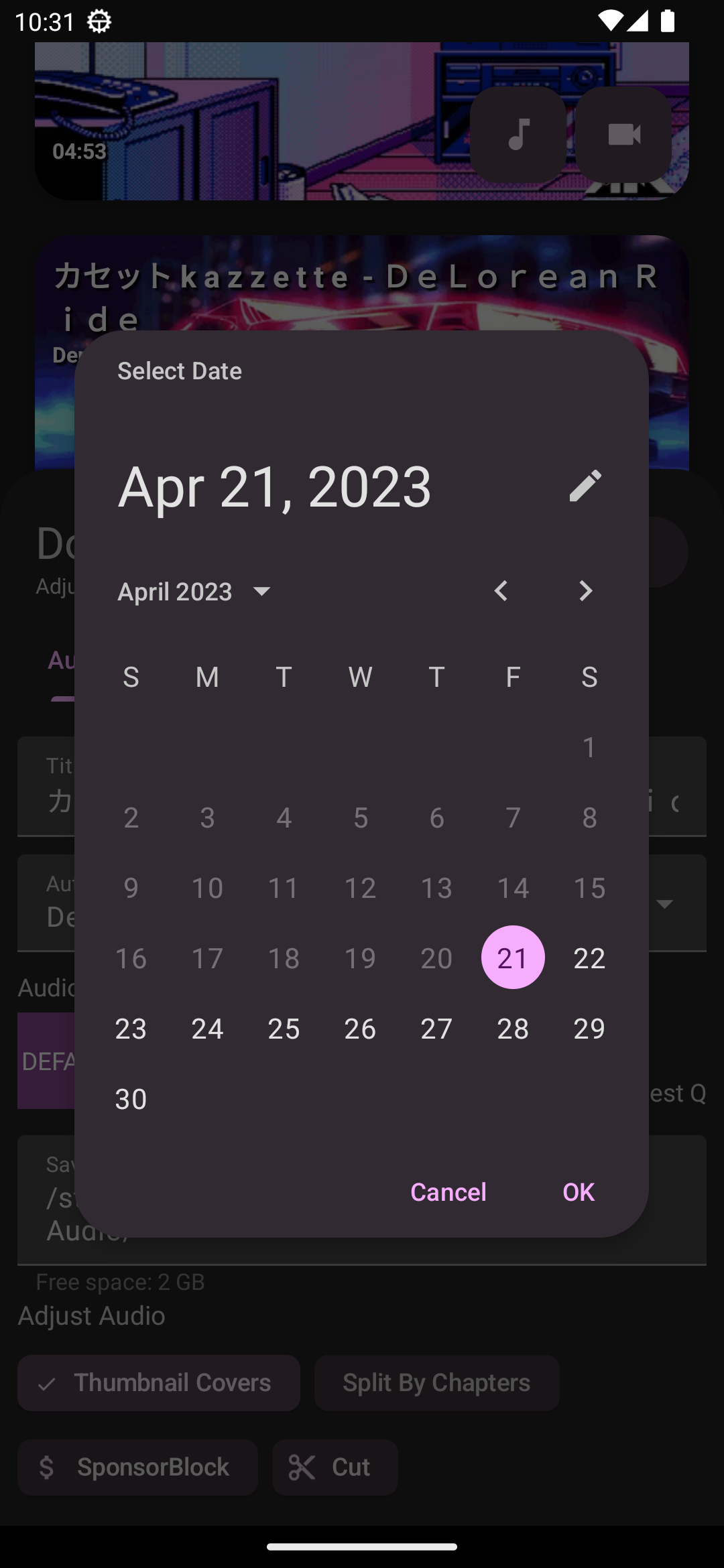
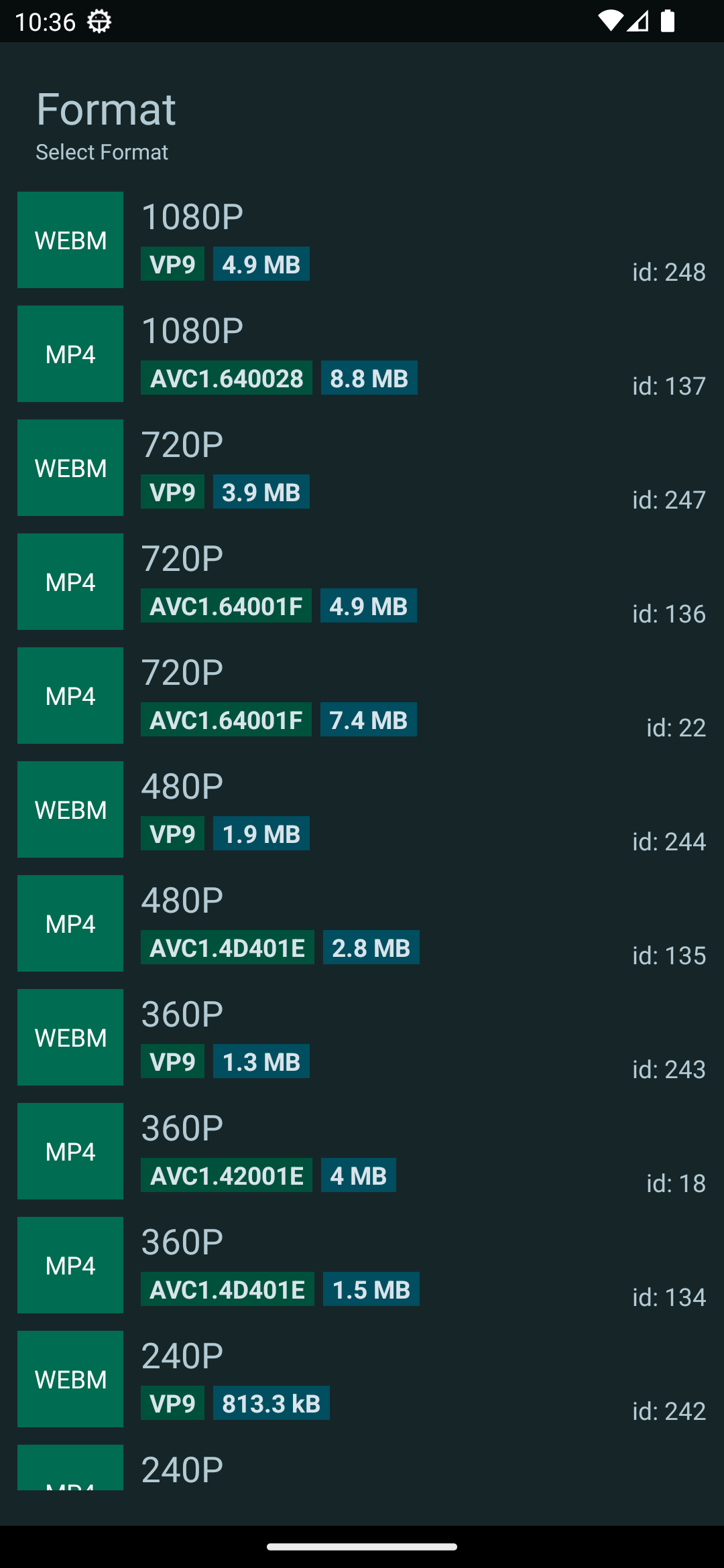
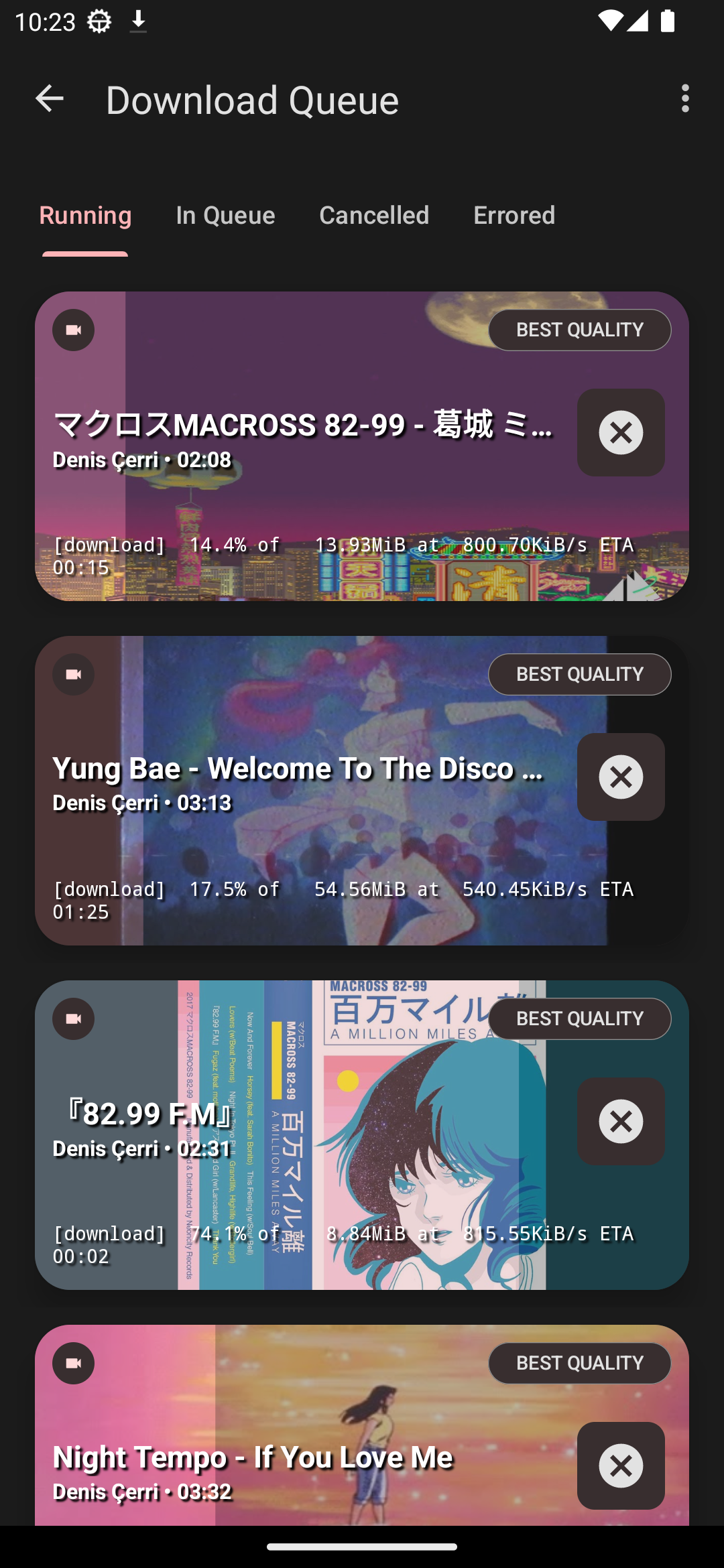
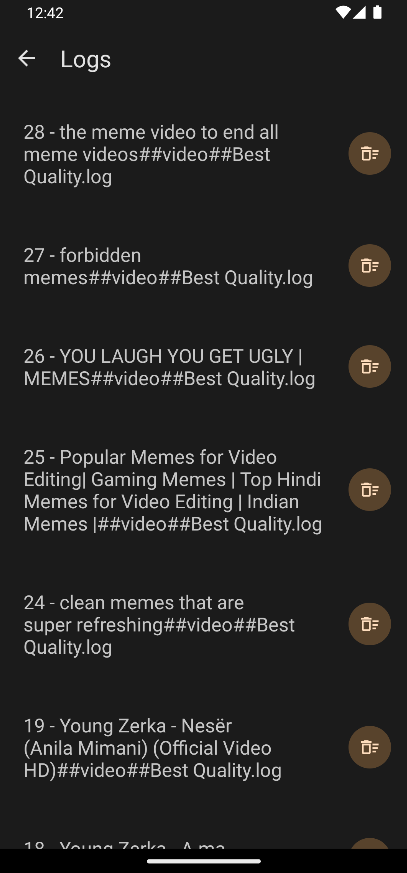
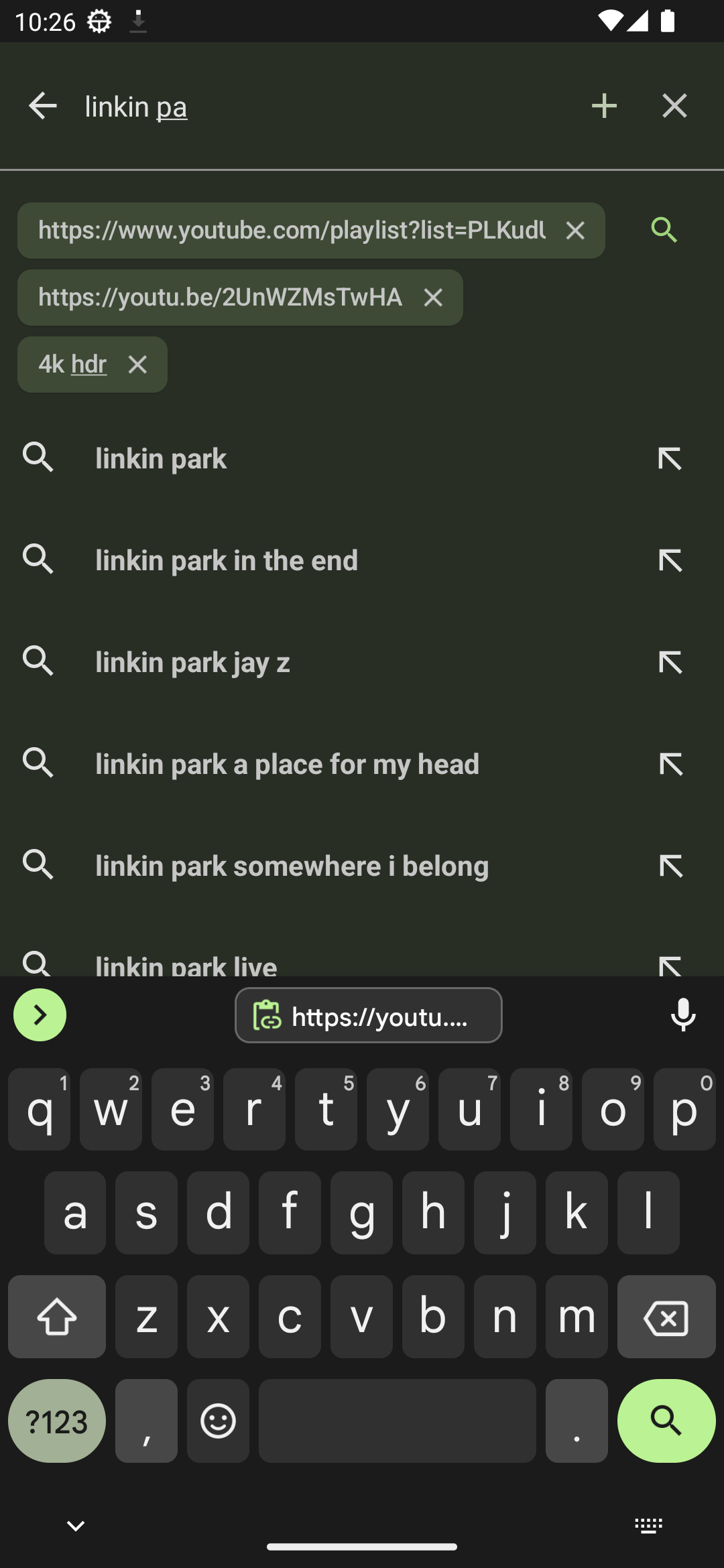
💬 Contact
Join our Telegram Channel or Discord for discussion, announcements, and releases!
🔑 Connect with ReVanced
The App's package name is "com.deniscerri.ytdl"
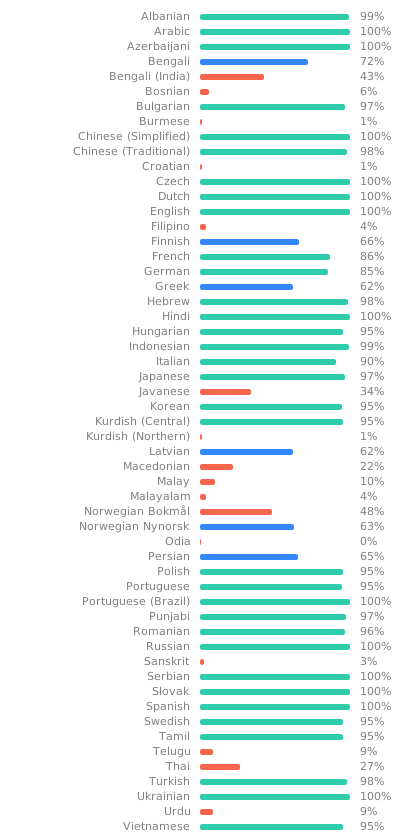
📝 Help Translate on Weblate
✔️🤖 Connect with Tasker / Macrodroid etc
You can use intents on apps like tasker or macrodroid to push commands to the app to run a download without user interaction Accepted variables:
TYPE -> it can be: audio,video,command
BACKGROUND -> it can be: true,false. If its true the app won't show the download card no matter what and run the download in the background
COMMAND -> if your preferred type is audio/video or you set the TYPE variable as one of them, this will be appended to your Extra Commands string. If the type is command, the whole command you wrote here will be used for the download
Tasker Example of downloading an audio in the background
- Create Send Intent task
- Action: android.intent.action.SEND
- Cat: Default
- Mime Type: text/*
- Extra: android.intent.extra.TEXT:url (instead of url write the url of the video you want to download)
- Extra: TYPE:audio
- Extra: BACKGROUND:true
😇 Contributing
If you would like to contribute. Please read the Contributing section.
📄 License
⚠️ Warning
Except for the source code licensed under the GPLv3 license, all other parties are prohibited from using the 'YTDLnis' name as a downloader app, and the same is true for its derivatives. Derivatives include but are not limited to forks and unofficial builds.
🙏 Thanks
- yt-dlp and its contributors for making this tool possible. Without it this app wouldn't exist.
- youtubedl-android for porting yt-dlp to android
- dvd for showing how to implement youtubedl-android
- seal for certain design elements and features i wanted to use aswell in this app
- decipher3114 for the app icon
and alot of other internet forum strangers.