# ⚡ Sink
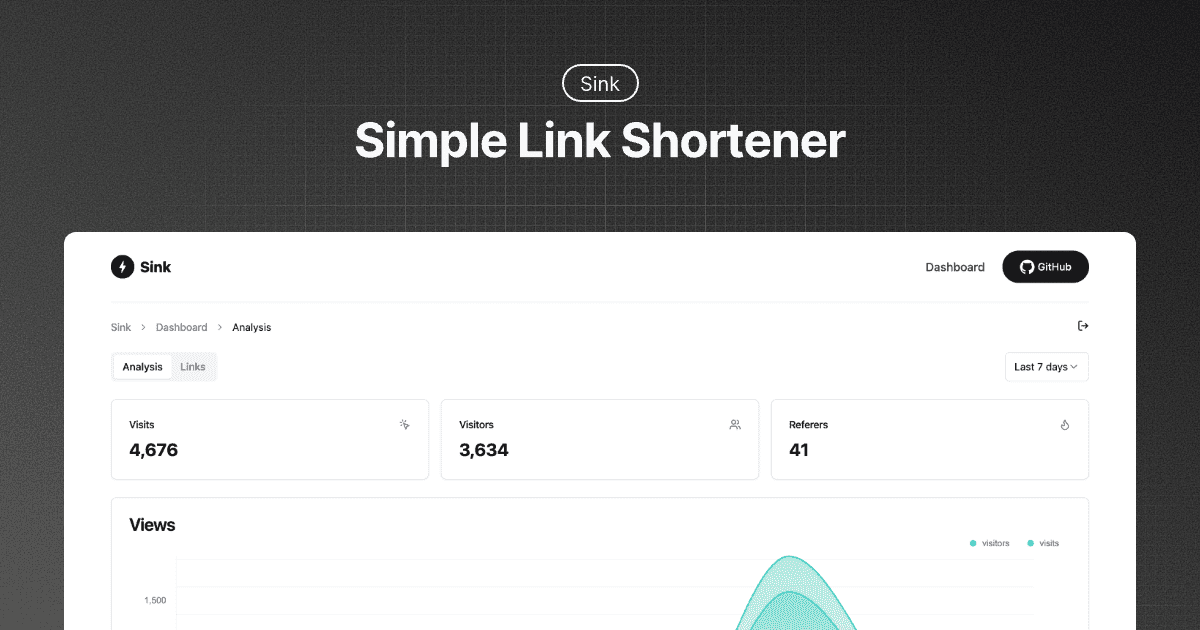
**A Simple / Speedy / Secure Link Shortener with Analytics, 100% run on Cloudflare.**

 


----
## ✨ Features
- **URL Shortening:** Compress your URLs to their minimal length.
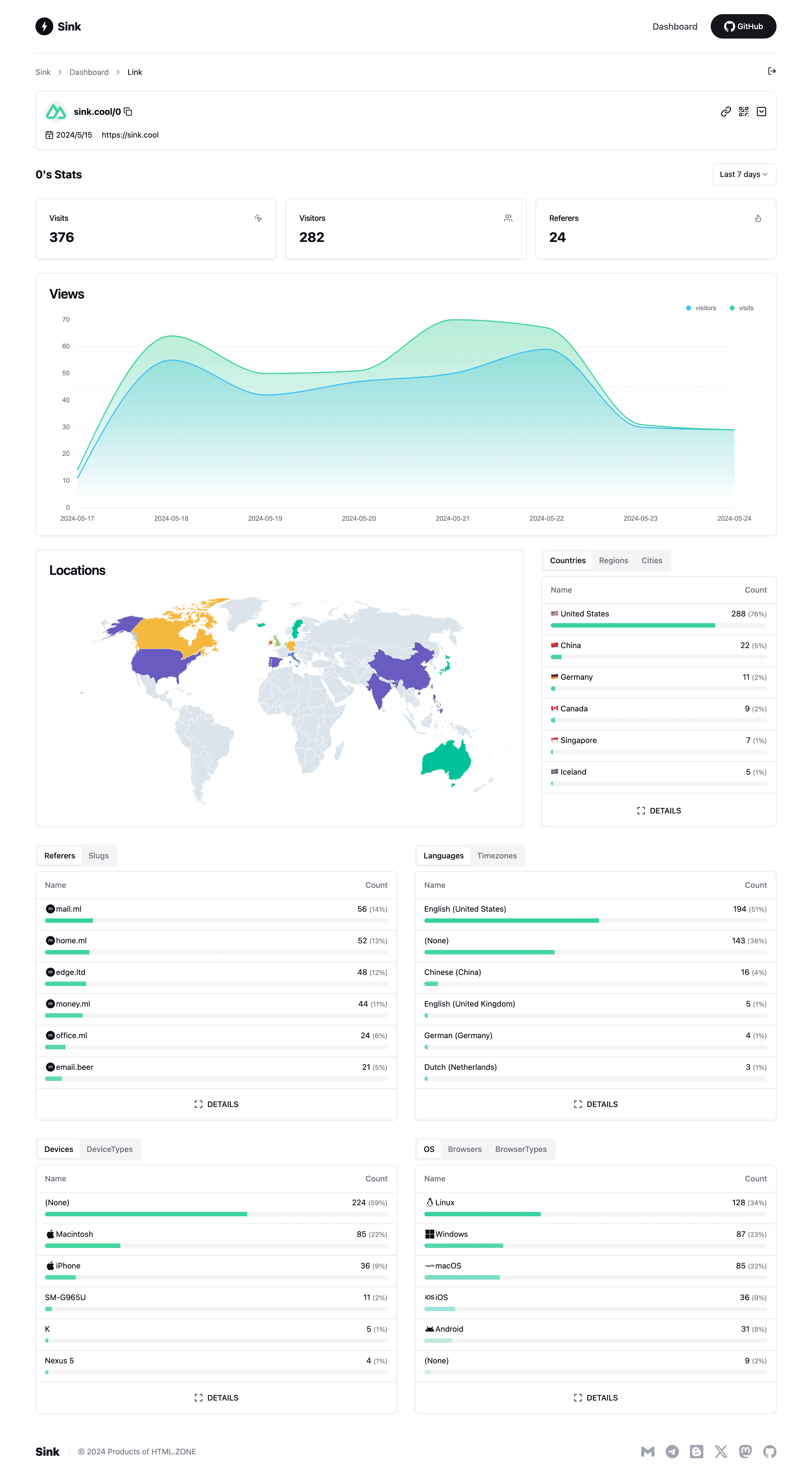
- **Analytics:** Monitor link analytics and gather insightful statistics.
- **Serverless:** Deploy without the need for traditional servers.
- **Customizable Slug:** Support for personalized slugs.
- **🪄 AI Slug:** Leverage AI to generate slugs.
- **Link Expiration:** Set expiration dates for your links.
## 🪧 Demo
Experience the demo at [Sink.Cool](https://sink.cool/dashboard). Log in using the Site Token below:
```txt
Site Token: SinkCool
```



----
## ✨ Features
- **URL Shortening:** Compress your URLs to their minimal length.
- **Analytics:** Monitor link analytics and gather insightful statistics.
- **Serverless:** Deploy without the need for traditional servers.
- **Customizable Slug:** Support for personalized slugs.
- **🪄 AI Slug:** Leverage AI to generate slugs.
- **Link Expiration:** Set expiration dates for your links.
## 🪧 Demo
Experience the demo at [Sink.Cool](https://sink.cool/dashboard). Log in using the Site Token below:
```txt
Site Token: SinkCool
```
Screenshots


## 🧱 Technologies Used
- **Framework**: [Nuxt](https://nuxt.com/)
- **Database**: [Cloudflare Workers KV](https://developers.cloudflare.com/kv/)
- **Analytics Engine**: [Cloudflare Workers Analytics Engine](https://developers.cloudflare.com/analytics/)
- **UI Components**: [Shadcn-vue](https://www.shadcn-vue.com/)
- **Styling:** [Tailwind CSS](https://tailwindcss.com/)
- **Deployment**: [Cloudflare](https://www.cloudflare.com/)
## 🚗 Roadmap [WIP]
We welcome your contributions and PRs.
- [ ] Browser Extension
- [ ] Raycast Extension
- [ ] Apple Shortcuts
- [ ] Enhanced Link Management (with Cloudflare D1)
- [ ] Analytics Enhancements (Support for merging filter conditions)
- [ ] Dashboard Performance Optimization (Infinite loading)
- [ ] Units Test
- [ ] Support for Other Deployment Platforms
## 🏗️ Deployment
1. [Fork](https://github.com/ccbikai/Sink/fork) the repository to your GitHub account.
2. Create a [Cloudflare Pages](https://developers.cloudflare.com/pages/) project.
3. Select the `Sink` repository and the `Nuxt.js` preset.
4. Configure environment variables.
1. `NUXT_SITE_TOKEN` length must exceed **8**.
2. `NUXT_CF_ACCOUNT_ID` [find your account ID](https://developers.cloudflare.com/fundamentals/setup/find-account-and-zone-ids/).
3. `NUXT_CF_API_TOKEN` Create a [Cloudflare API token](https://developers.cloudflare.com/fundamentals/api/get-started/create-token/). This token requires `Account.Account Analytics` permissions at the very least. [Reference.](https://developers.cloudflare.com/analytics/analytics-engine/sql-api/#authentication).
5. Save and deploy.
6. Cancel the deployment, navigate to `Settings` -> `Functions`.
1. KV namespace bindings. Bind the variable name `KV` to a KV namespace.
2. Workers AI Bindings. Bind the variable name `AI` to the Workers AI Catalog. _Optional_
3. Analytics Engine bindings. Bind the variable name `ANALYTICS` to the `sink` dataset, and enable [Cloudflare Analytics Engine beta](https://developers.cloudflare.com/analytics/analytics-engine/get-started/) for your account.
7. Redeploy.
## ⚒️ Configuration
[Configuration Docs](./docs/configuration.md)
## 🔌 API
[API Docs](./docs/api.md)
## 🙋🏻 FAQs
[FAQs](./docs/faqs.md)
## 💖 Credits
1. [**Cloudflare**](https://www.cloudflare.com/)
2. [**NuxtHub**](https://hub.nuxt.com/)
3. [**Astroship**](https://astroship.web3templates.com/)
## ☕ Sponsor
1. [Follow Me on X(Twitter)](https://x.com/xkaibi).
2. [Become a sponsor to on GitHub](https://github.com/sponsors/ccbikai).