|
|
||
|---|---|---|
| .. | ||
| README.md | ||
| screenshot.png | ||


 Terminal ("Commands")
A command line tool.
Screenshot
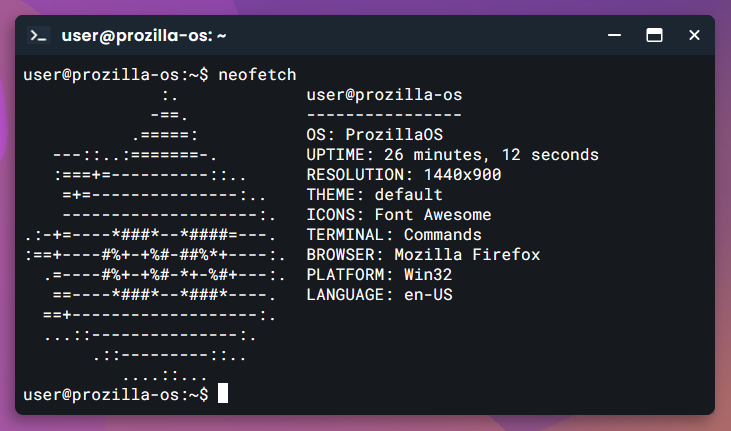
Commands
See features/apps/terminal/commands for a list of commands. You can add files to this folder to add commands or edit existing files to modify commands.
Examples
Touch command
// features/apps/terminal/commands/touch.ts

export const touch = new Command()
	.setRequireArgs(true)
	.setManual({
		purpose: "Change file timestamps",
		usage: "touch [options] files",
		description: "Update the access and modification times of each FILE to the current time.\n\n"
			+ "A file argument that does not exist is created empty."
	})
	.setExecute(function(args, { currentDirectory }) {
		const { name, extension } = VirtualFile.convertId(args[0]);

		if (currentDirectory.findFile(name, extension))
			return { blank: true };

		currentDirectory.createFile(name, extension);
		return { blank: true };
	});