|
|
||
|---|---|---|
| .claude/skills/sync-upstream | ||
| .github | ||
| app | ||
| build-logic | ||
| config/detekt | ||
| core | ||
| docs/screenshots | ||
| feature | ||
| gradle | ||
| iosApp | ||
| shared | ||
| upstream@9ccc8d9bef | ||
| .editorconfig | ||
| .gitignore | ||
| .gitmodules | ||
| build.gradle.kts | ||
| CLAUDE.md | ||
| compose-stability.conf | ||
| CONTRIBUTING.md | ||
| DISCOVERY.md | ||
| gradle.properties | ||
| gradlew | ||
| gradlew.bat | ||
| KNOWN_ISSUES.md | ||
| LICENSE | ||
| lint.xml | ||
| README.md | ||
| settings.gradle.kts | ||
| UPSTREAM_VERSION | ||
| VERSION_GATES.md | ||

LibreChat Mobile

A third-party native mobile client for LibreChat (Android & iOS). Not affiliated with the official LibreChat project — this is an independent app that connects to any self-hosted LibreChat server, no backend modifications required.
Backend compatibility: Tested against LibreChat v0.8.4 – v0.8.5. Older releases may work but are not guaranteed; newer releases are supported on a best-effort basis until the next sync.
Features
- Chat — Real-time streaming (SSE), message branching & sibling navigation, stop/regenerate/continue, markdown with syntax highlighting, LaTeX math rendering, code blocks with copy, image display, file attachments, tool call progress cards
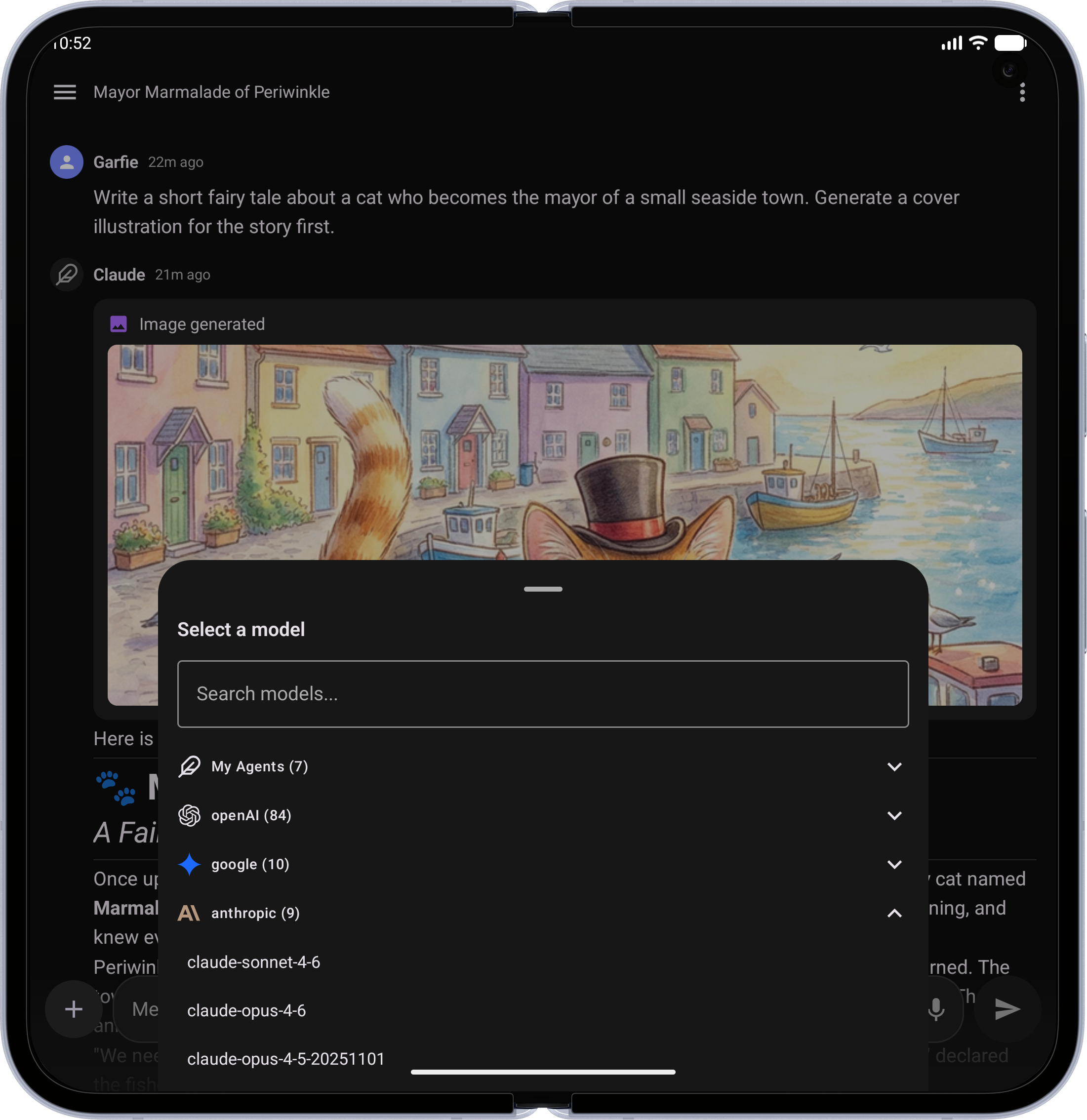
- Model Selection — Searchable bottom sheet grouped by endpoint, model comparison mode
- Agents — Marketplace with search and categories, MCP server configuration
- Conversations — Paginated list with date grouping, tags, search, rename, archive, delete, share, fork, duplicate, export/import
- Presets & Prompts — Save/load chat presets, prompts library with @mention insertion
- Authentication — Login, registration, forgot password, two-factor (TOTP + backup codes), OAuth (Google, GitHub, Discord, Facebook, Apple, OpenID)
- Files — Upload, list, delete, inline image rendering with pinch-to-zoom
- Voice — Speech-to-text input, text-to-speech playback (device and server engines)
- Settings — Theme (system/light/dark), account management, data controls
- Tablet — Adaptive dual-pane layout (600dp+) with persistent sidebar
- Accessibility — Semantic headings, content descriptions, 48dp touch targets, live regions
Screenshots
| Feature | Phone | Tablet / Foldable |
|---|---|---|
| Server Connect — Point the app at any self-hosted LibreChat server | 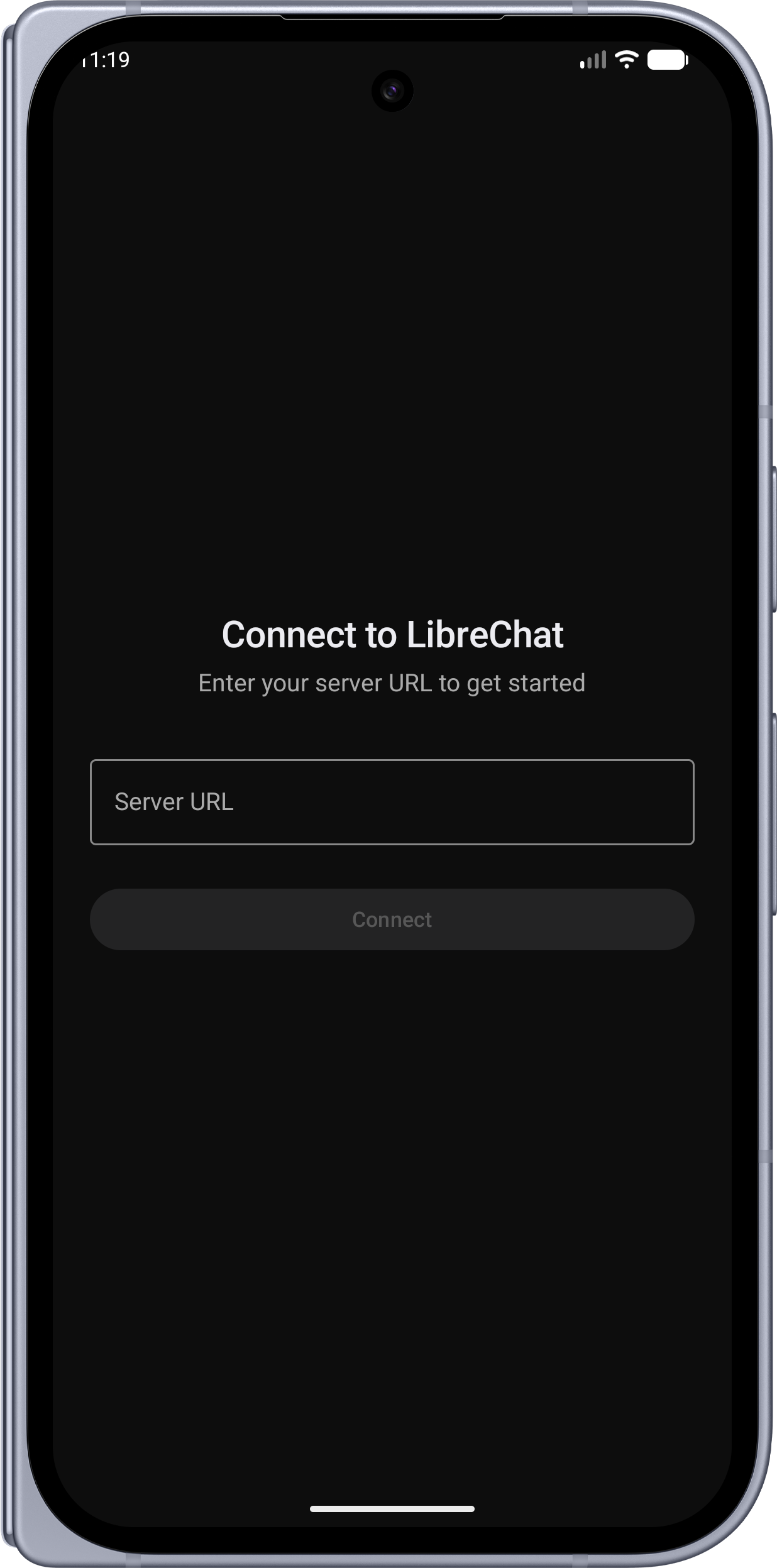 |
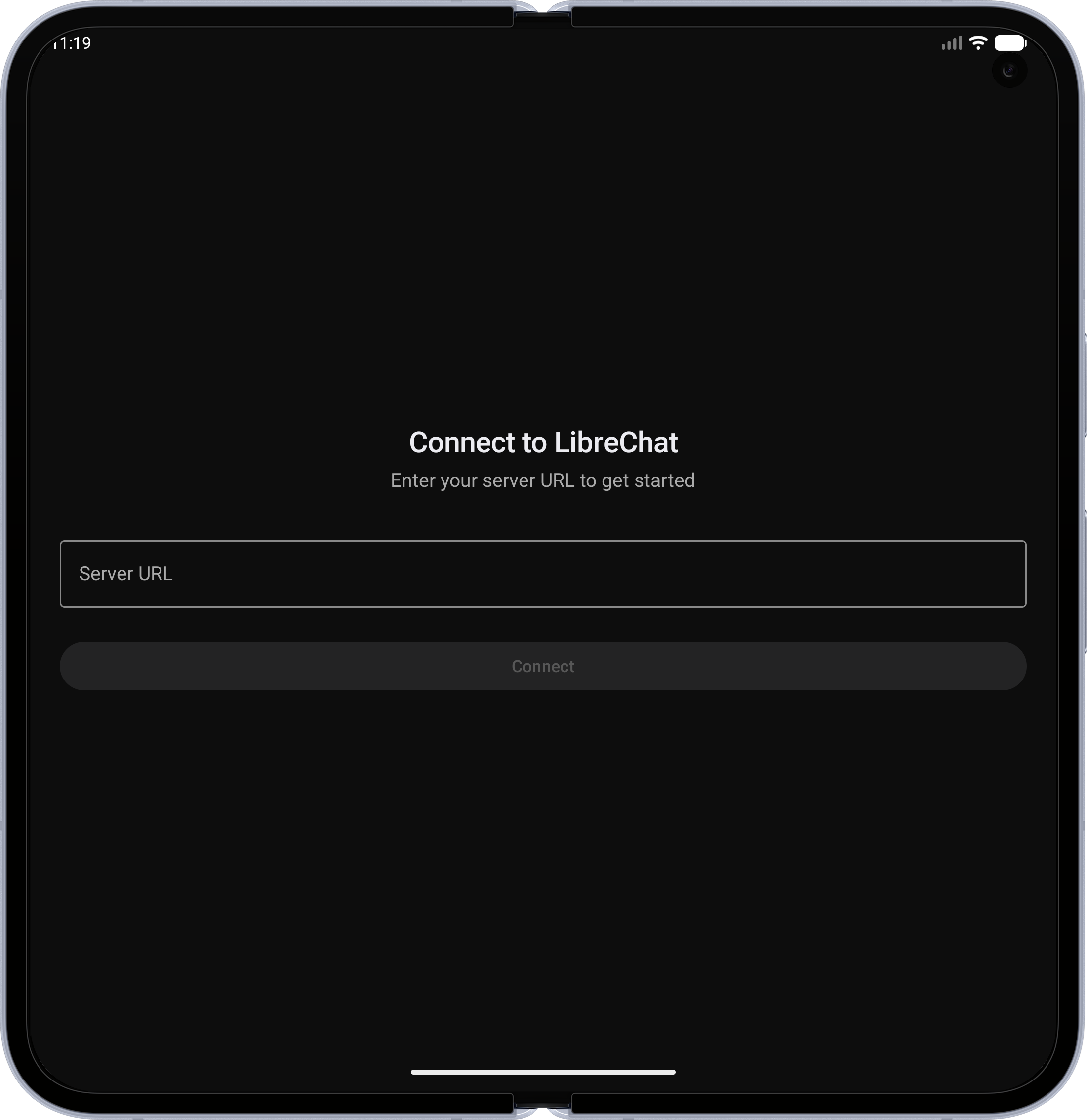 |
| Home Screen — Clean welcome screen with voice input and quick access | 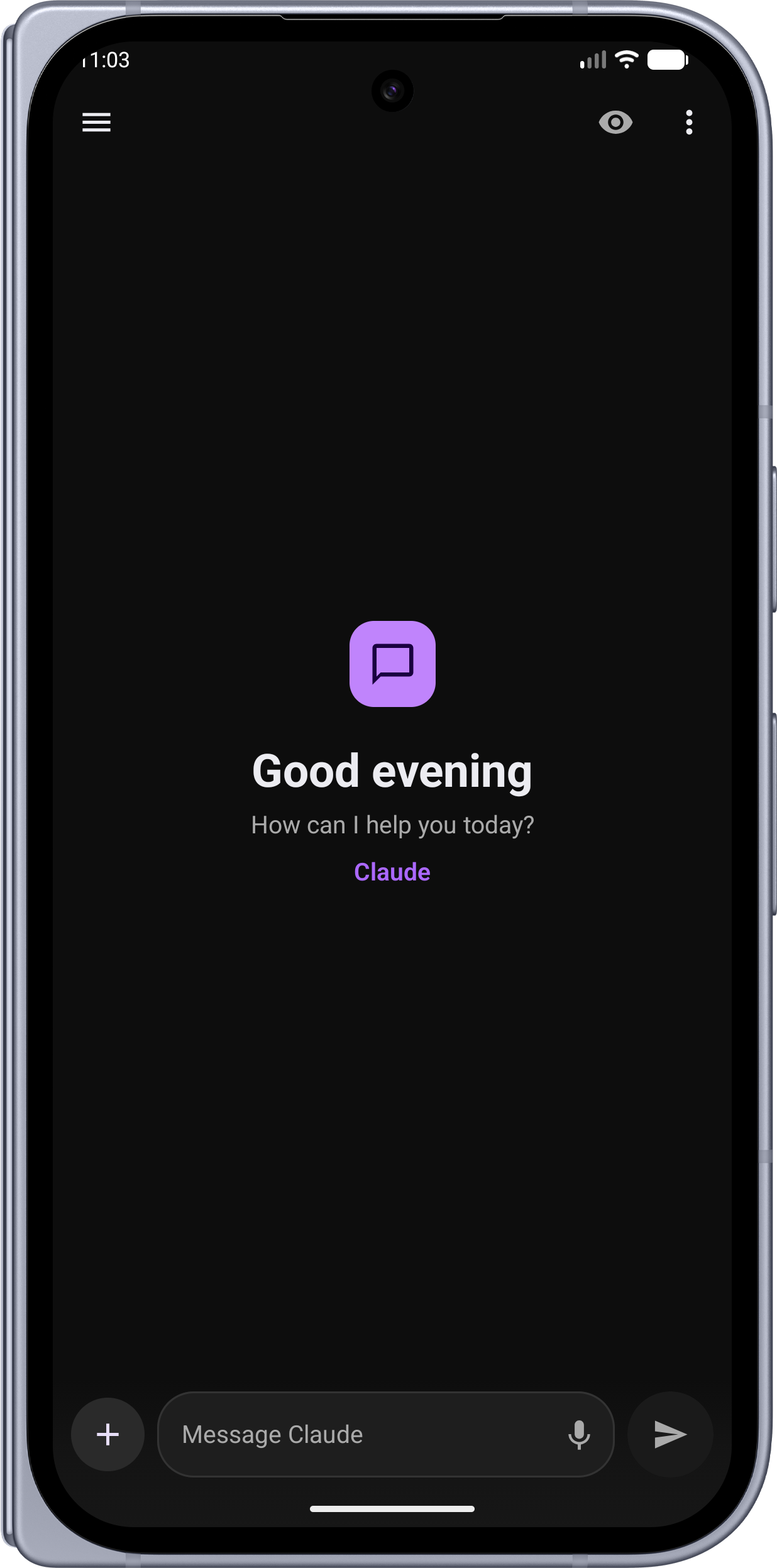 |
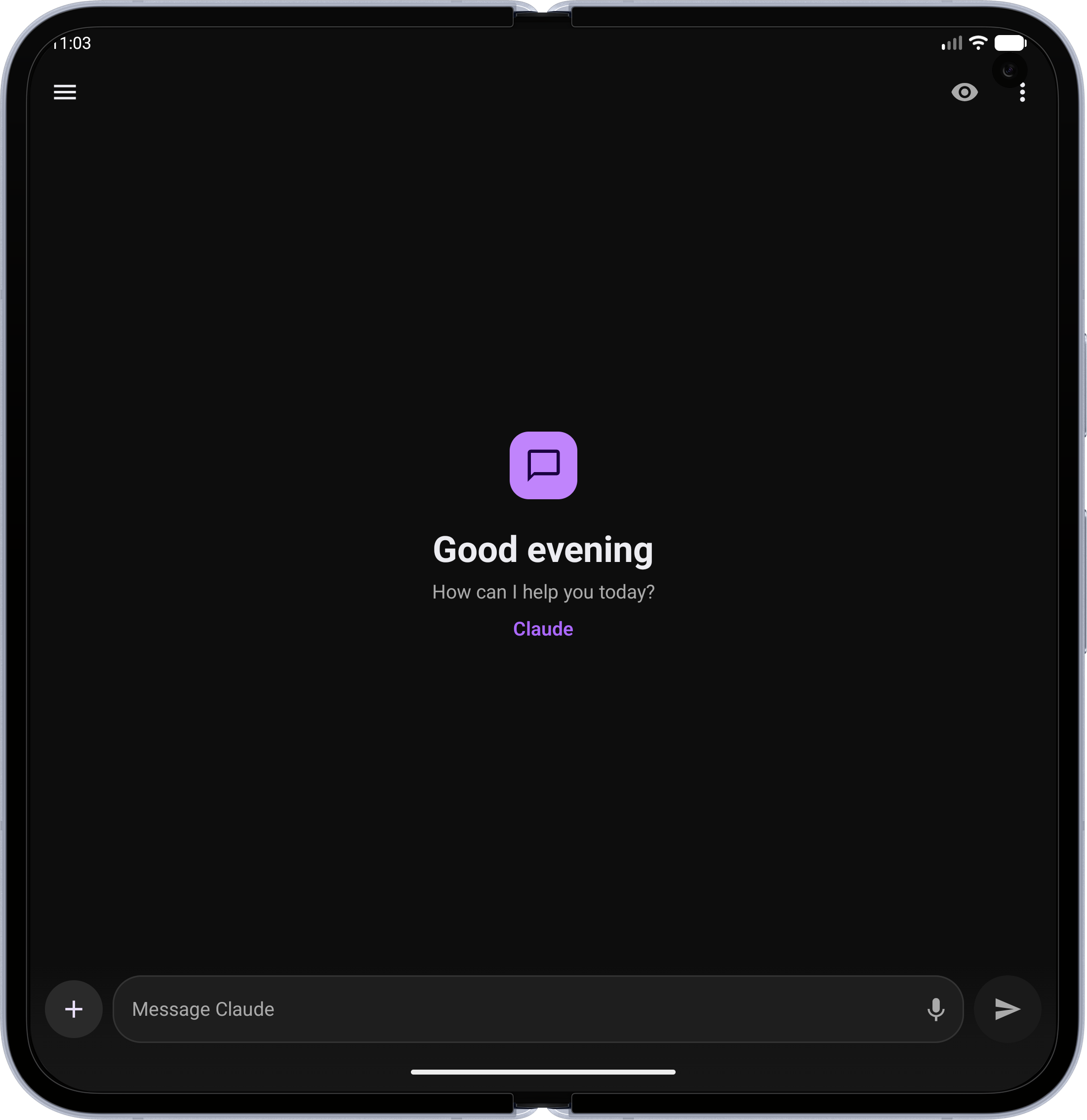 |
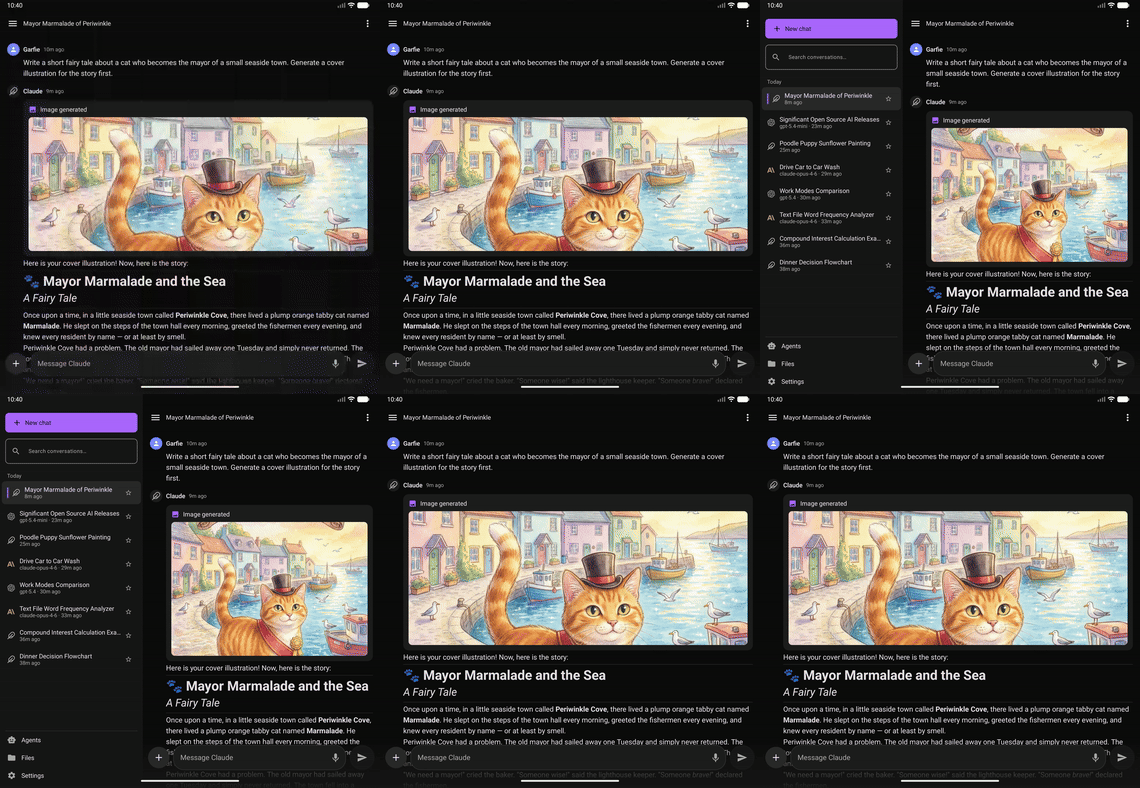
| Conversations Sidebar — Swipe to open your chat history with search, tags, and date grouping | 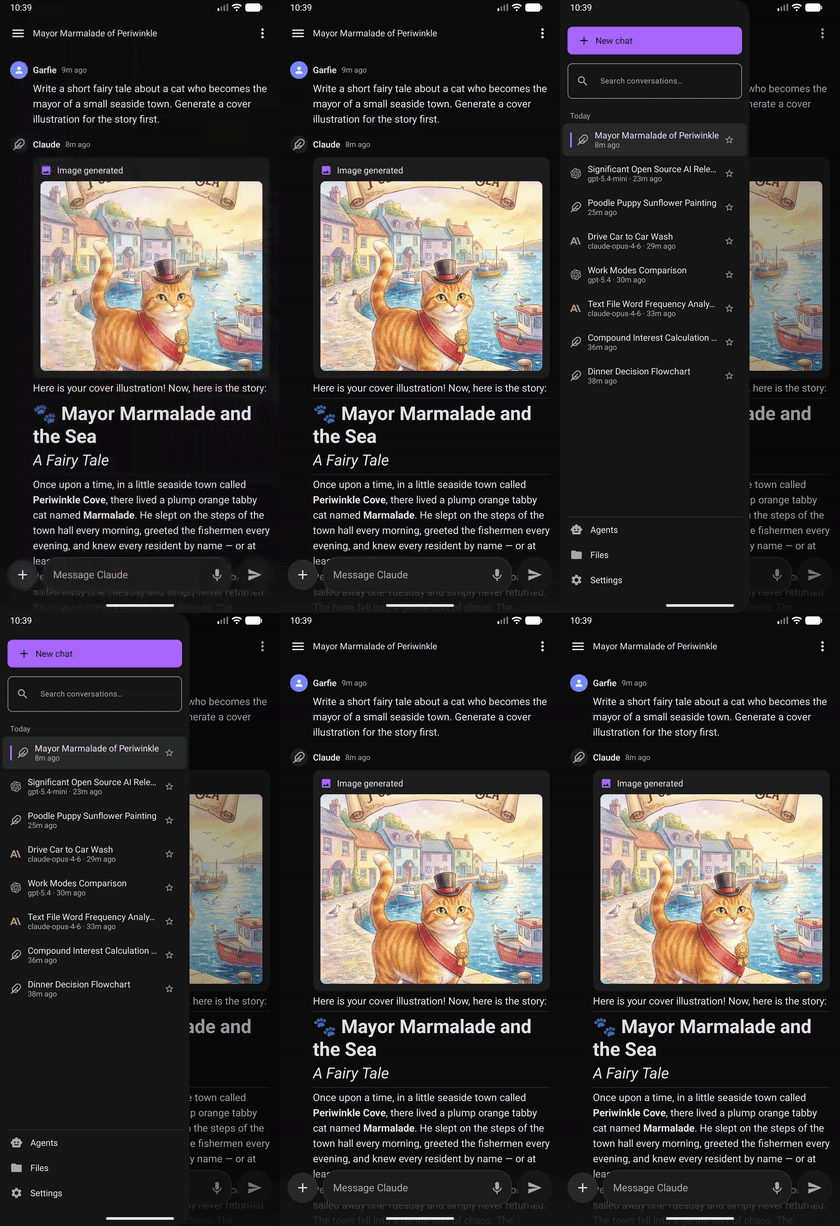 |
 |
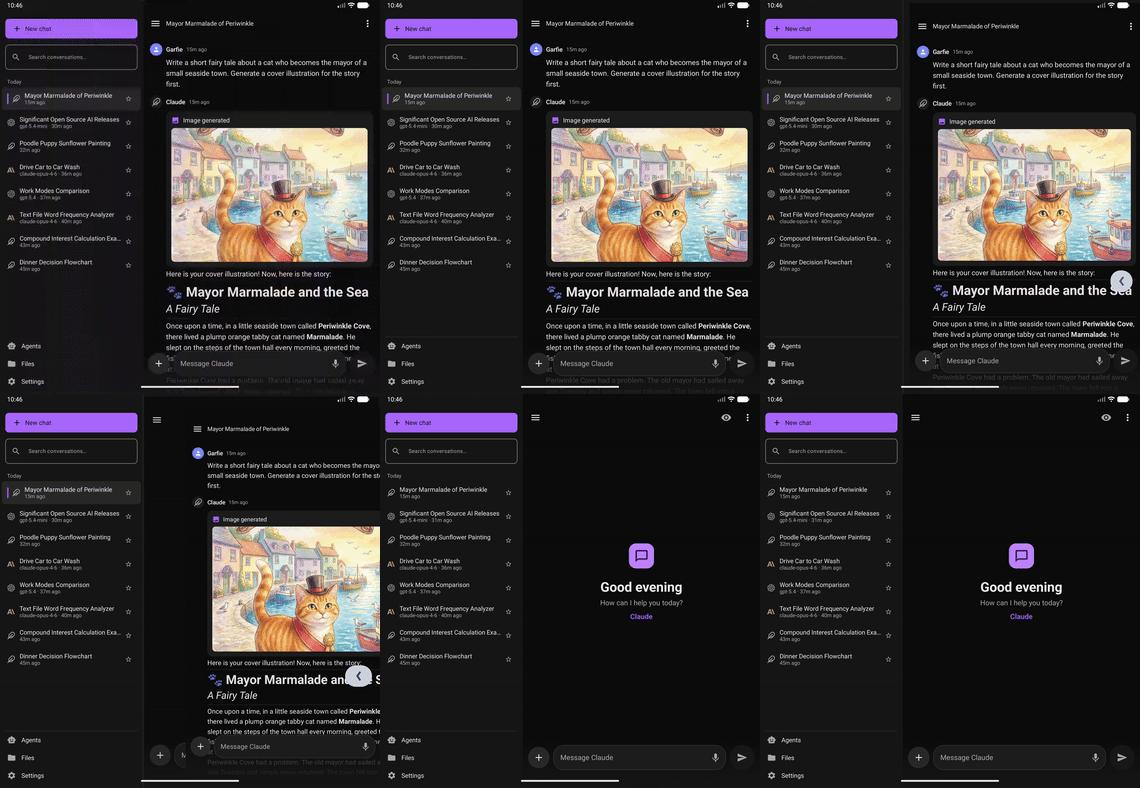
| Predictive Back — Native Android back gesture with peek animation | 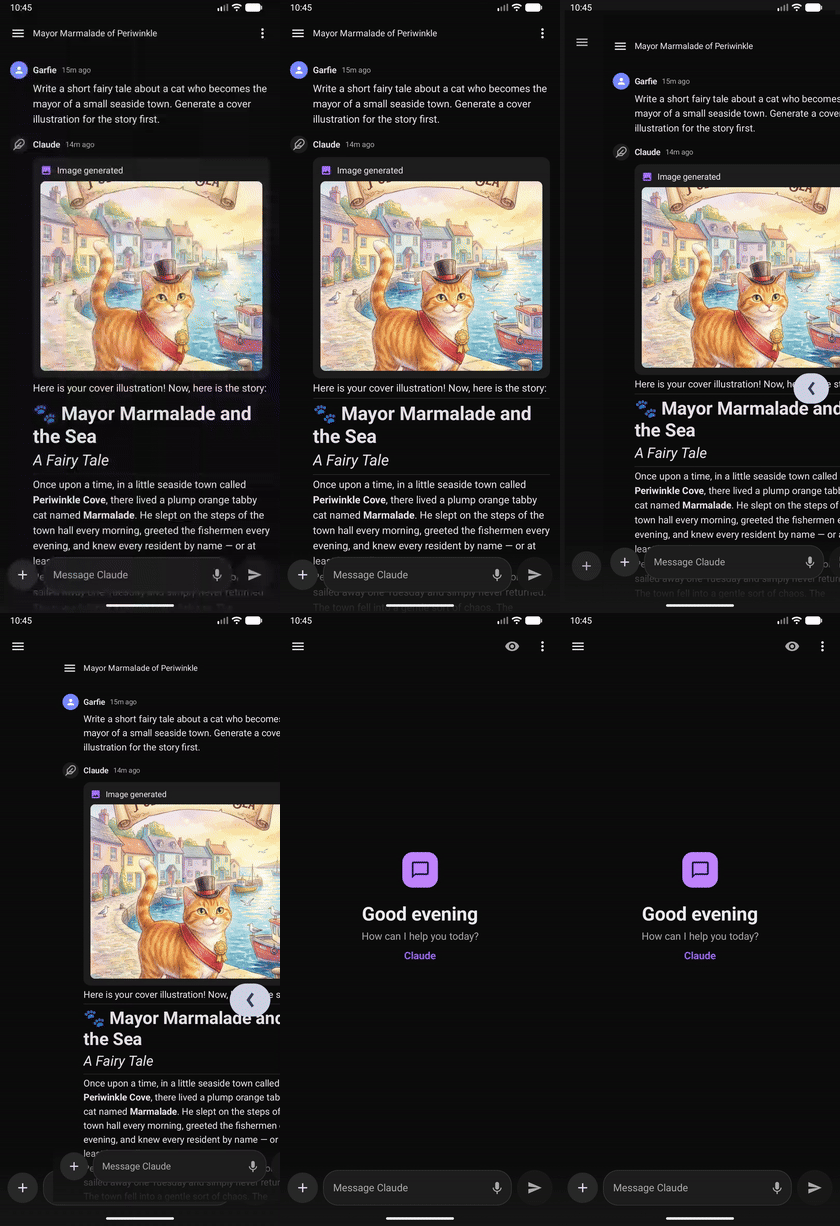 |
 |
| Mermaid Diagrams — Interactive flowcharts and diagrams rendered in-chat | 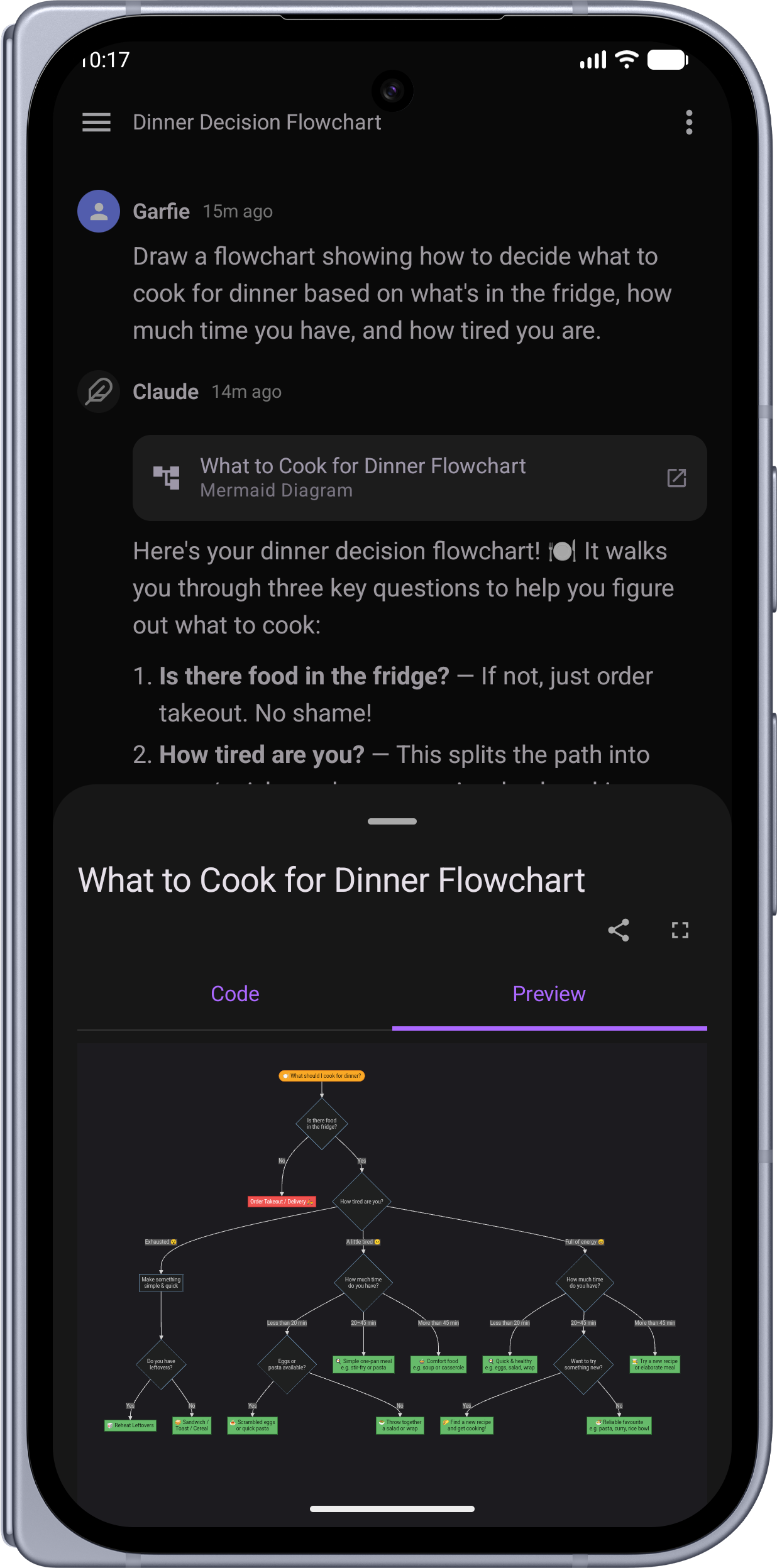 |
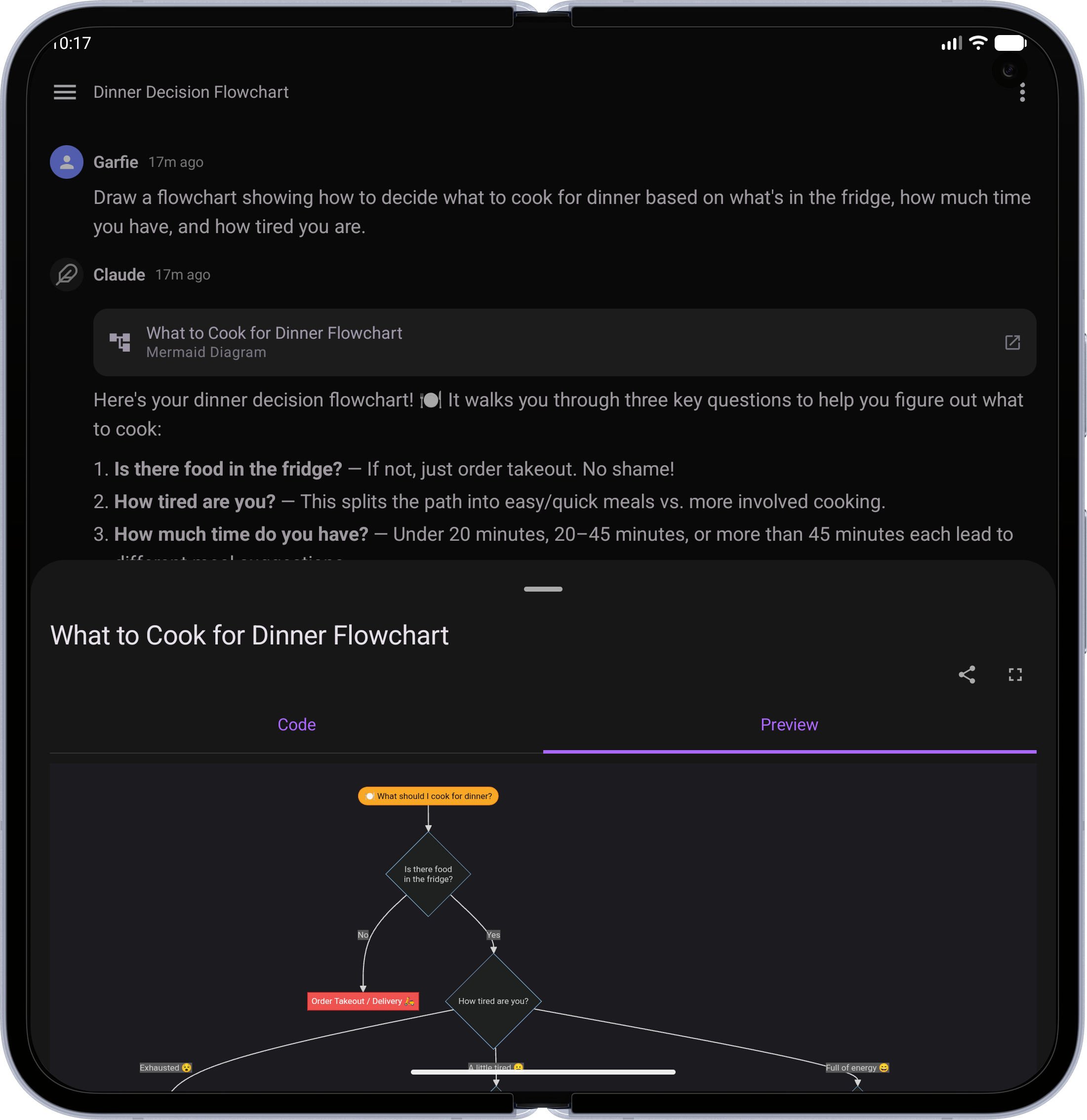 |
| LaTeX Math — Beautifully typeset equations and formulas | 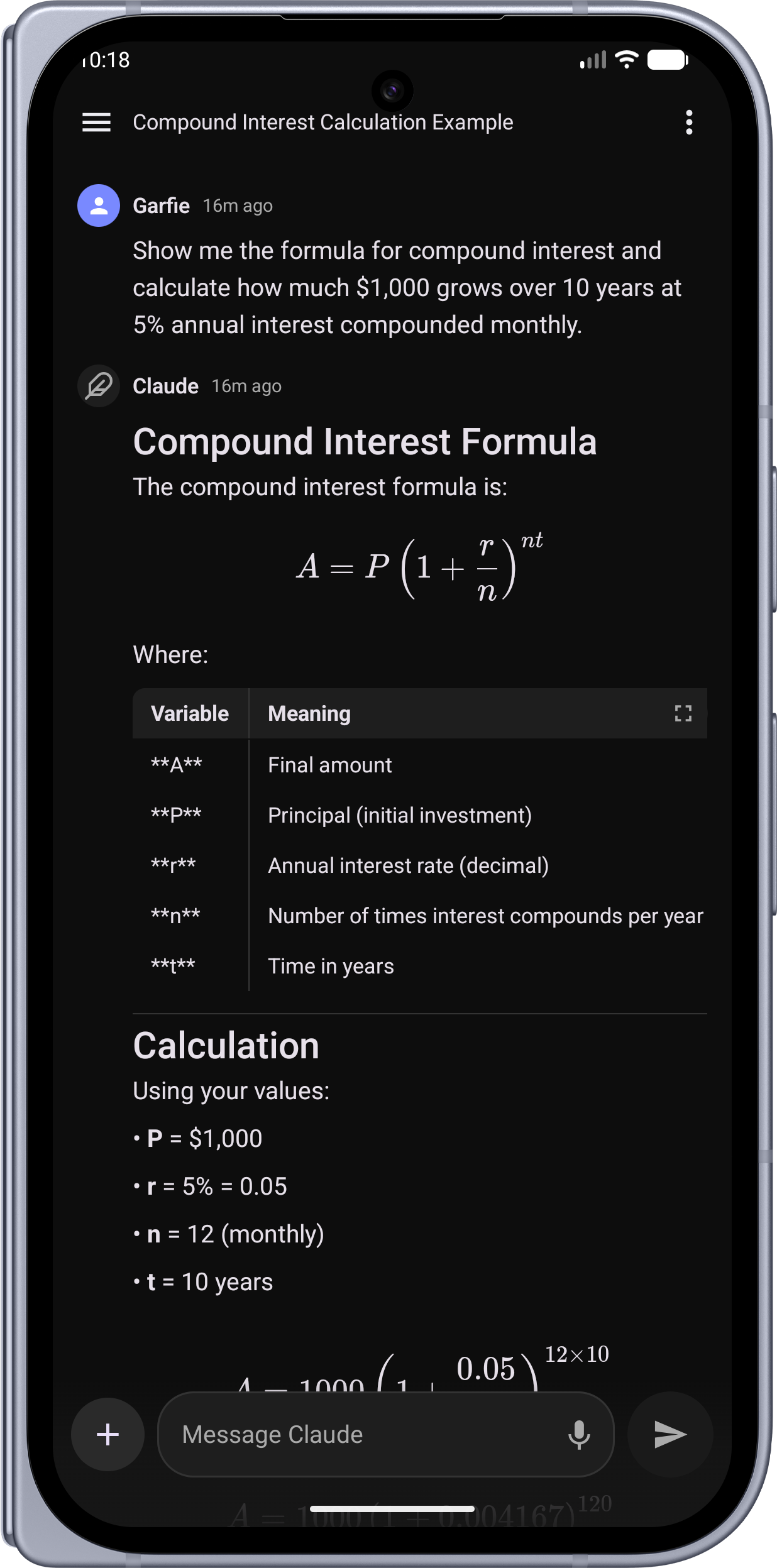 |
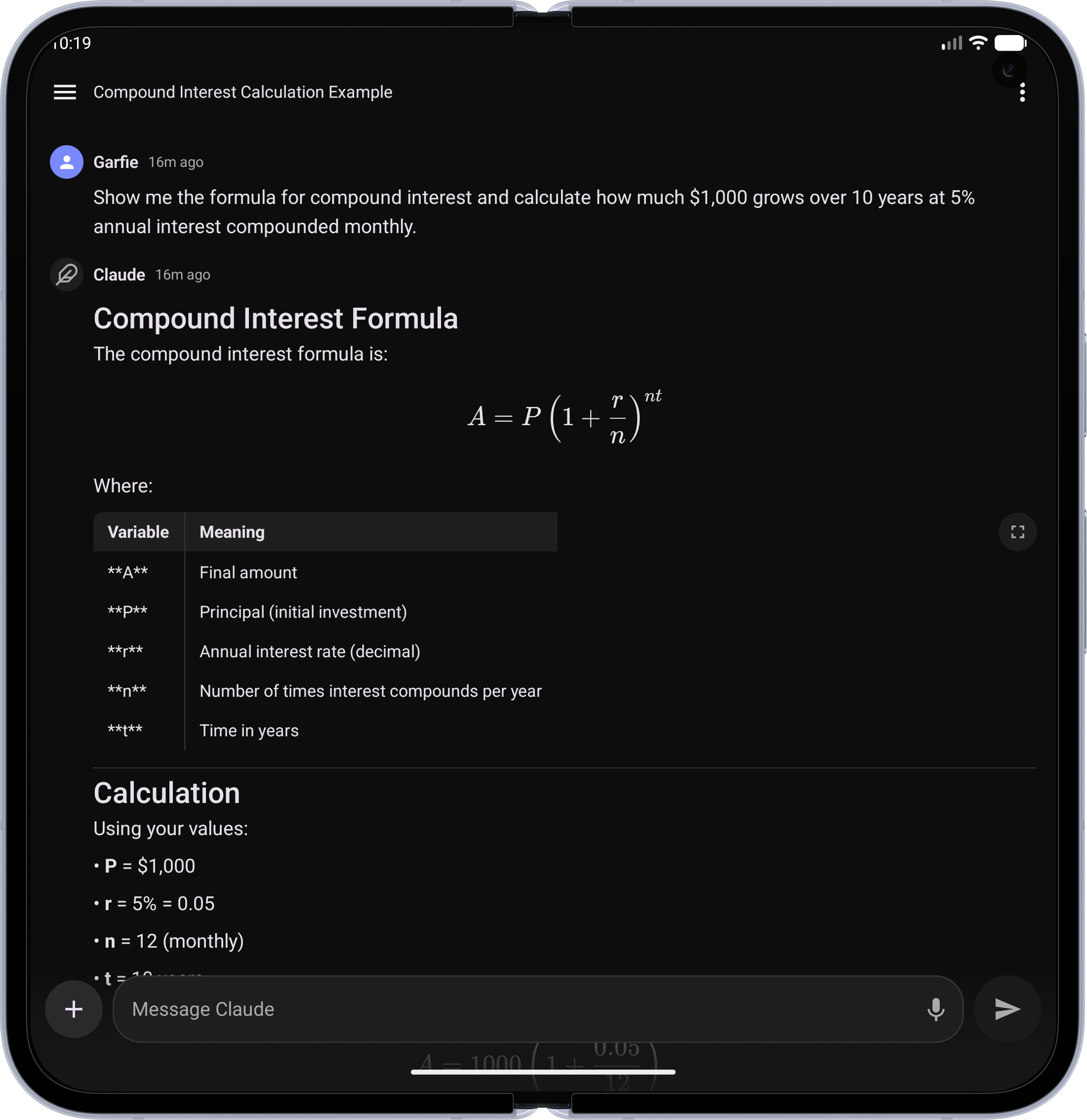 |
| Code Blocks — Syntax-highlighted code with language badge and copy button | 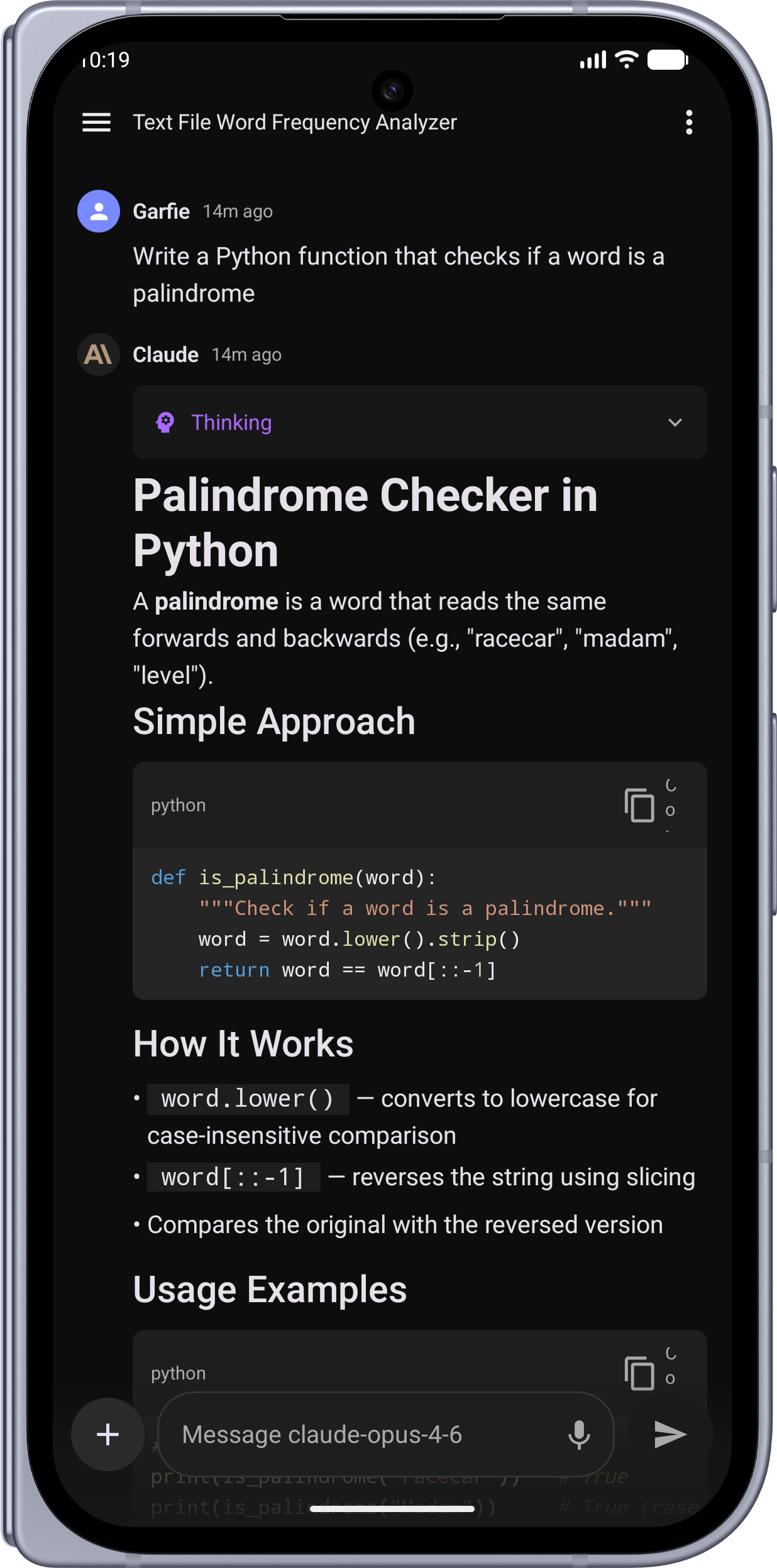 |
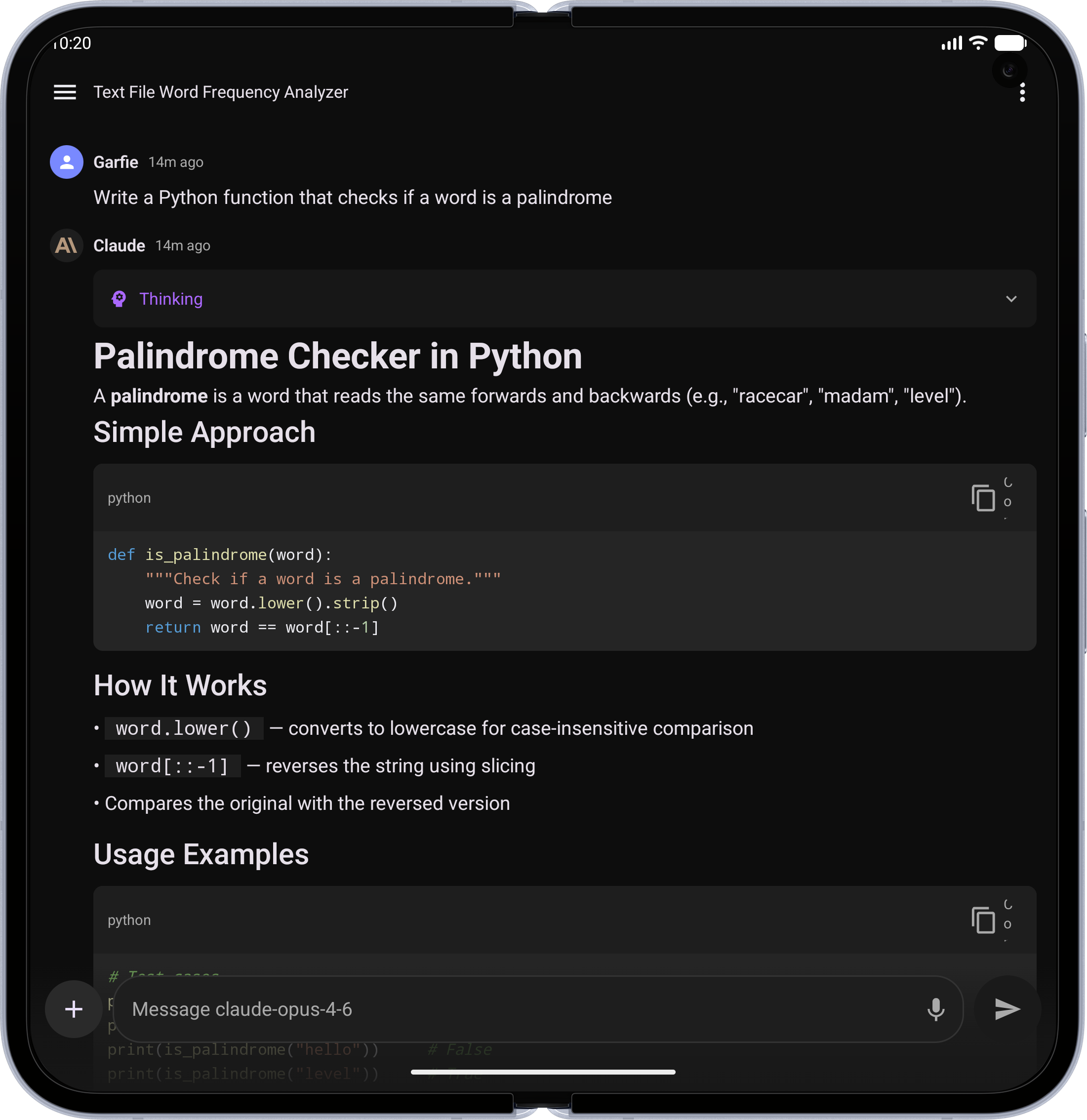 |
| Tables — Clean, scrollable data tables | 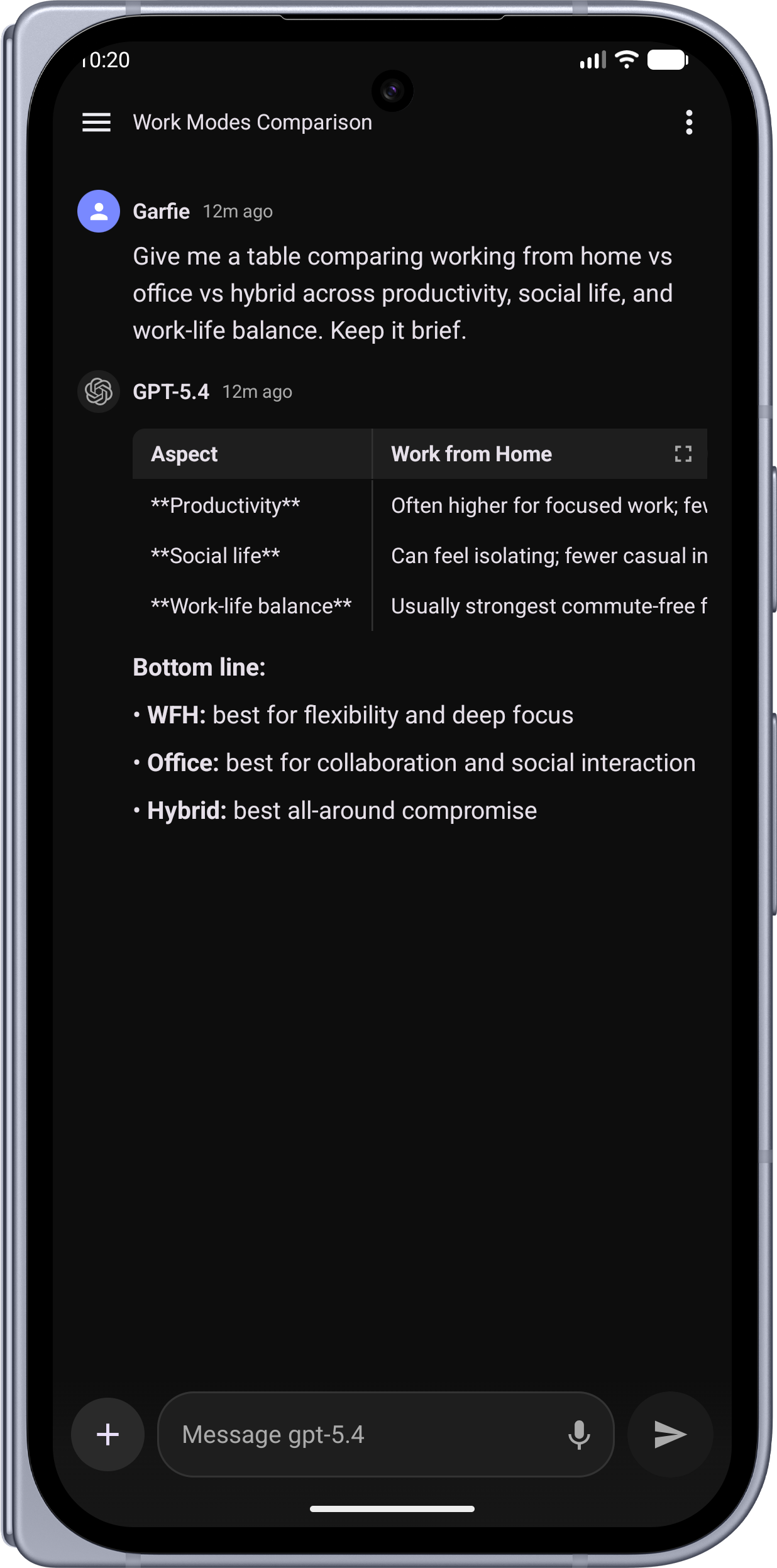 |
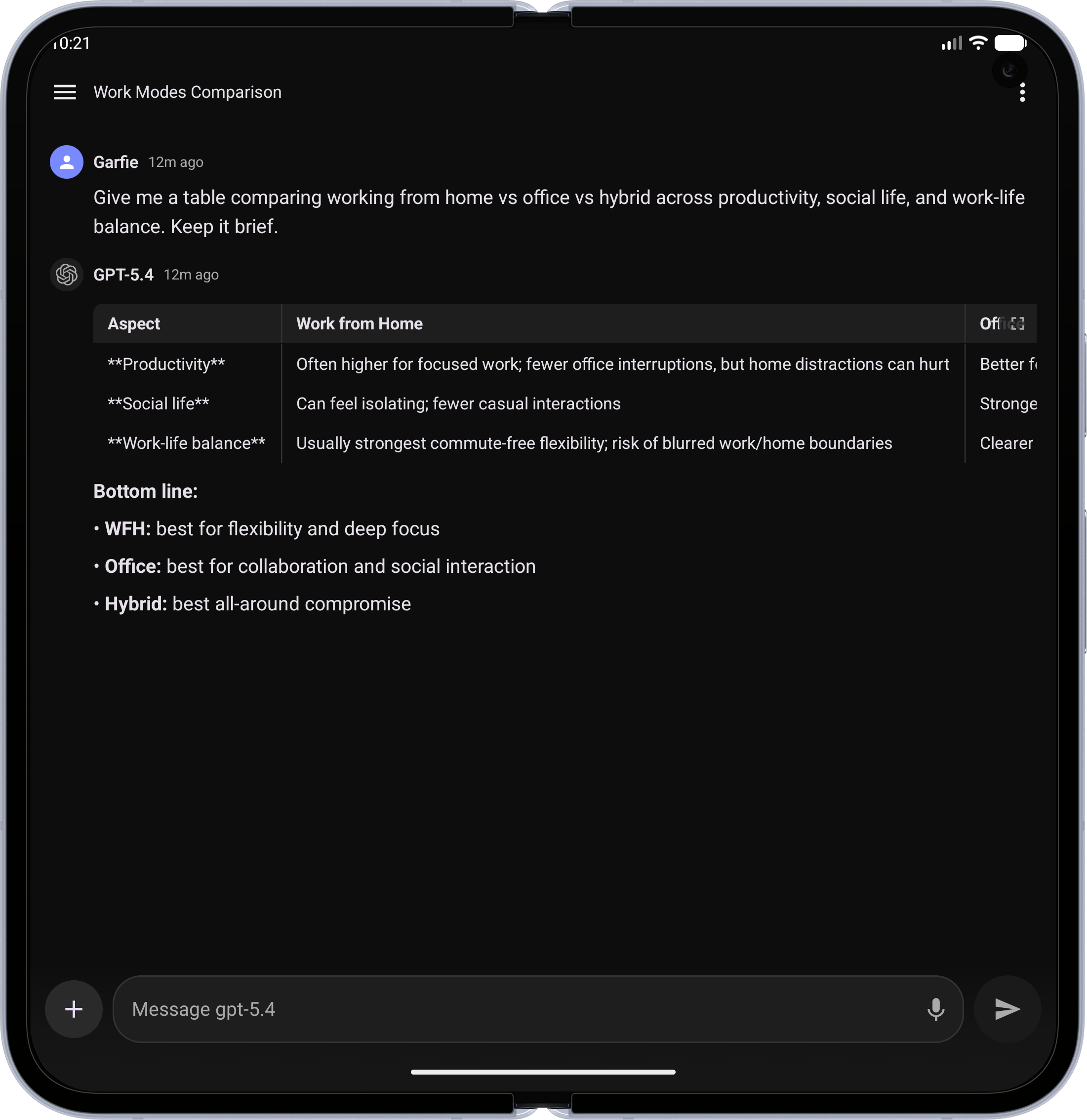 |
| Extended Thinking — See the model's reasoning process | 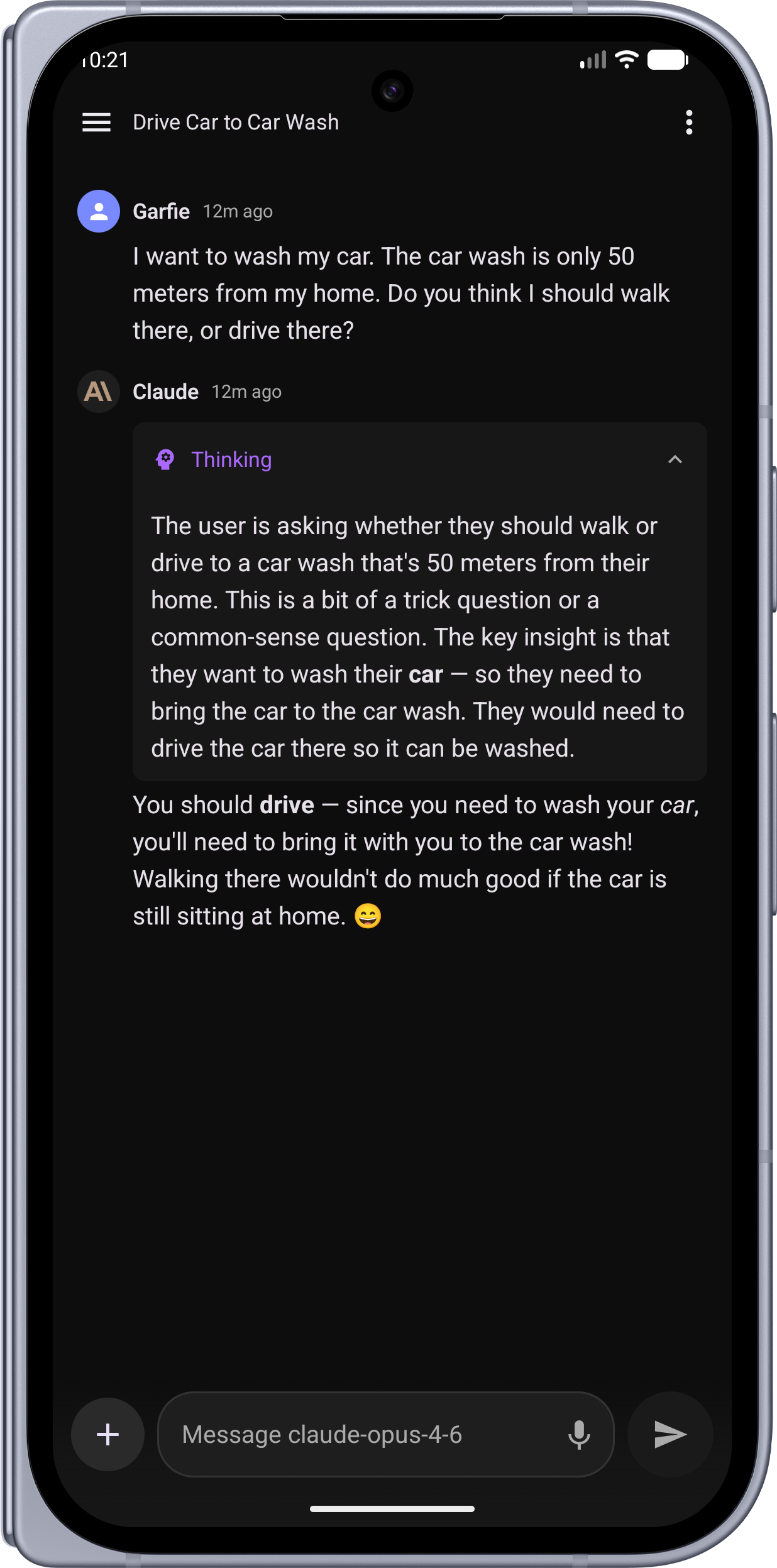 |
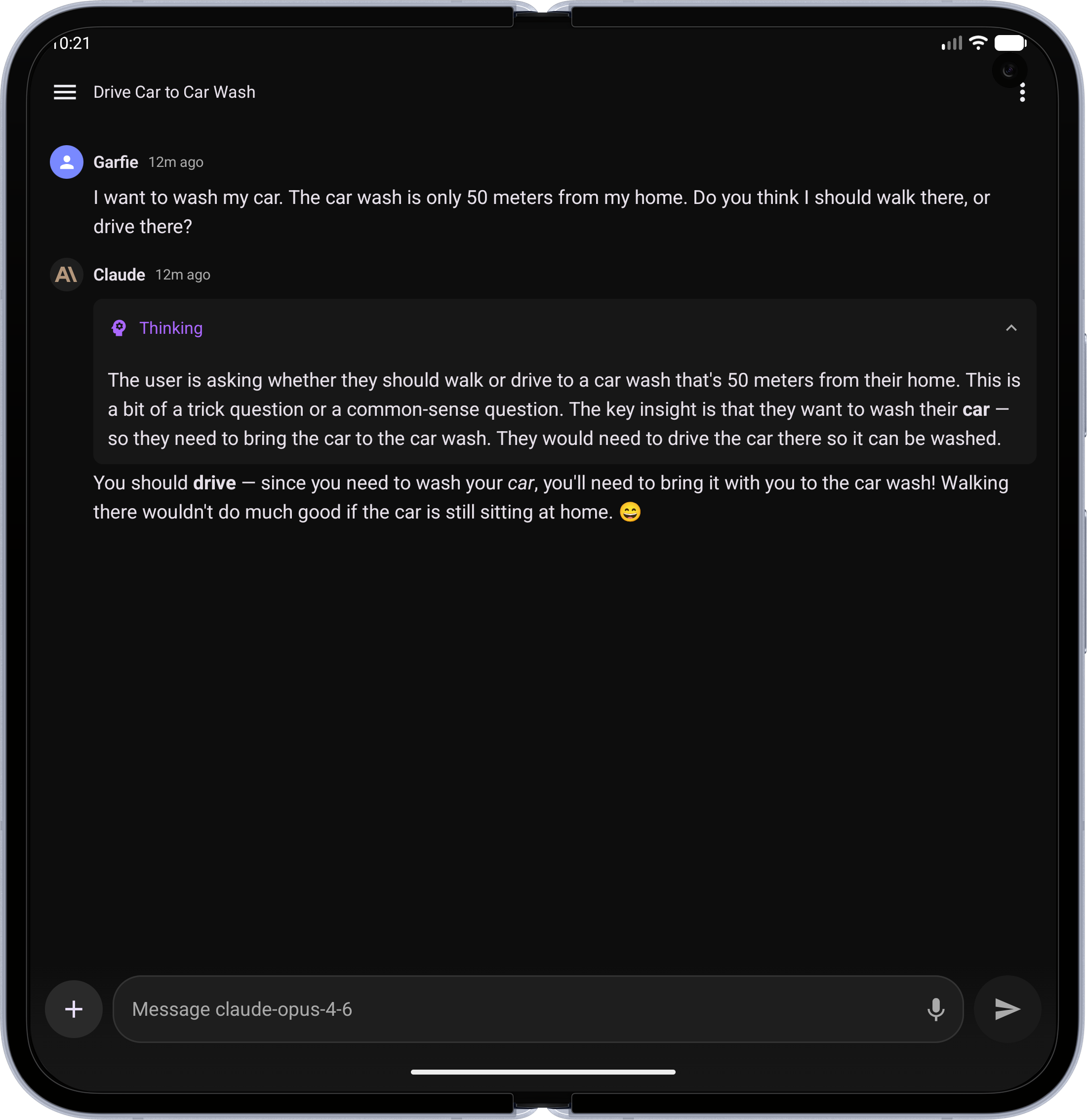 |
| Image Generation — AI-generated images via agents | 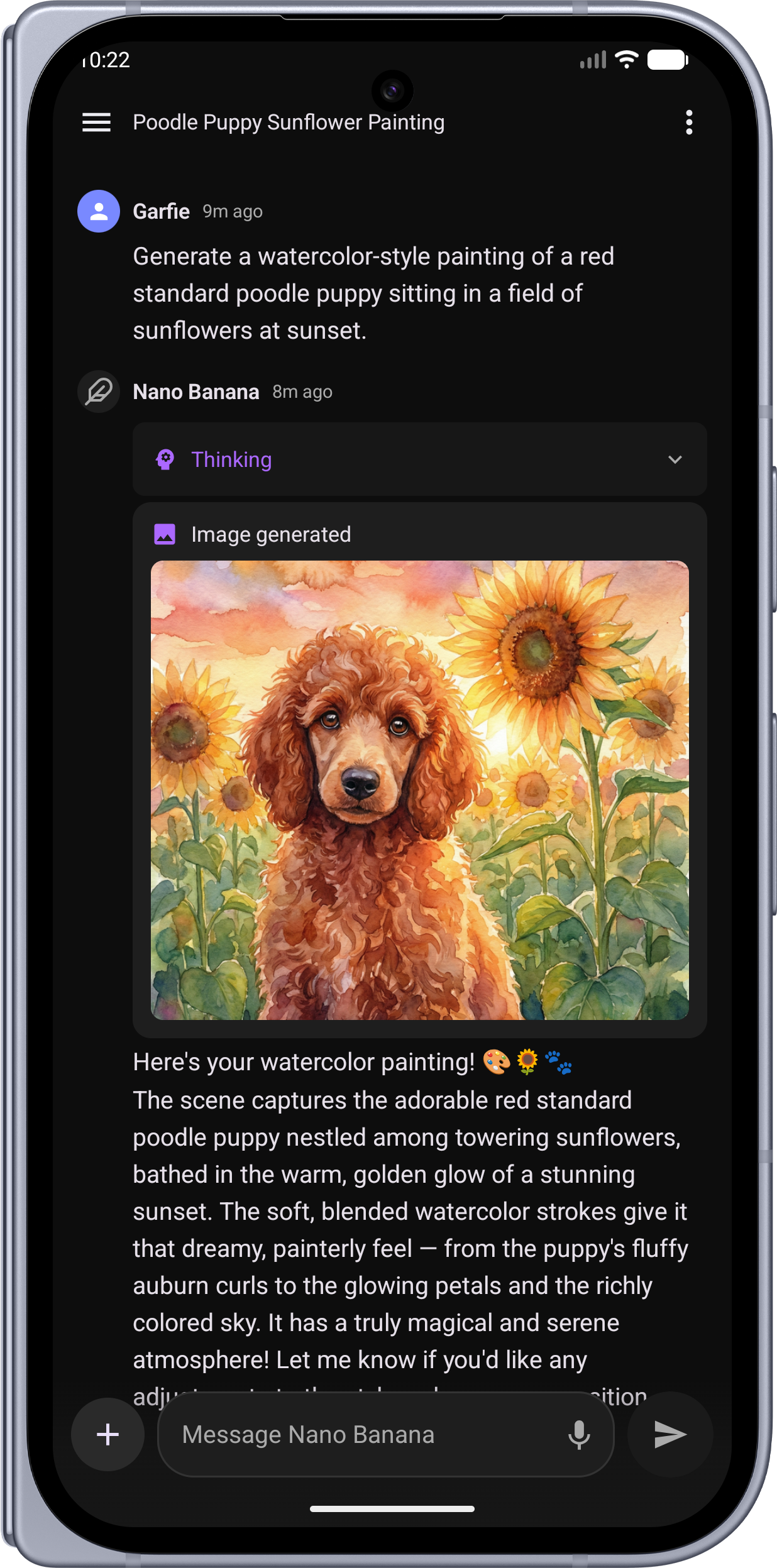 |
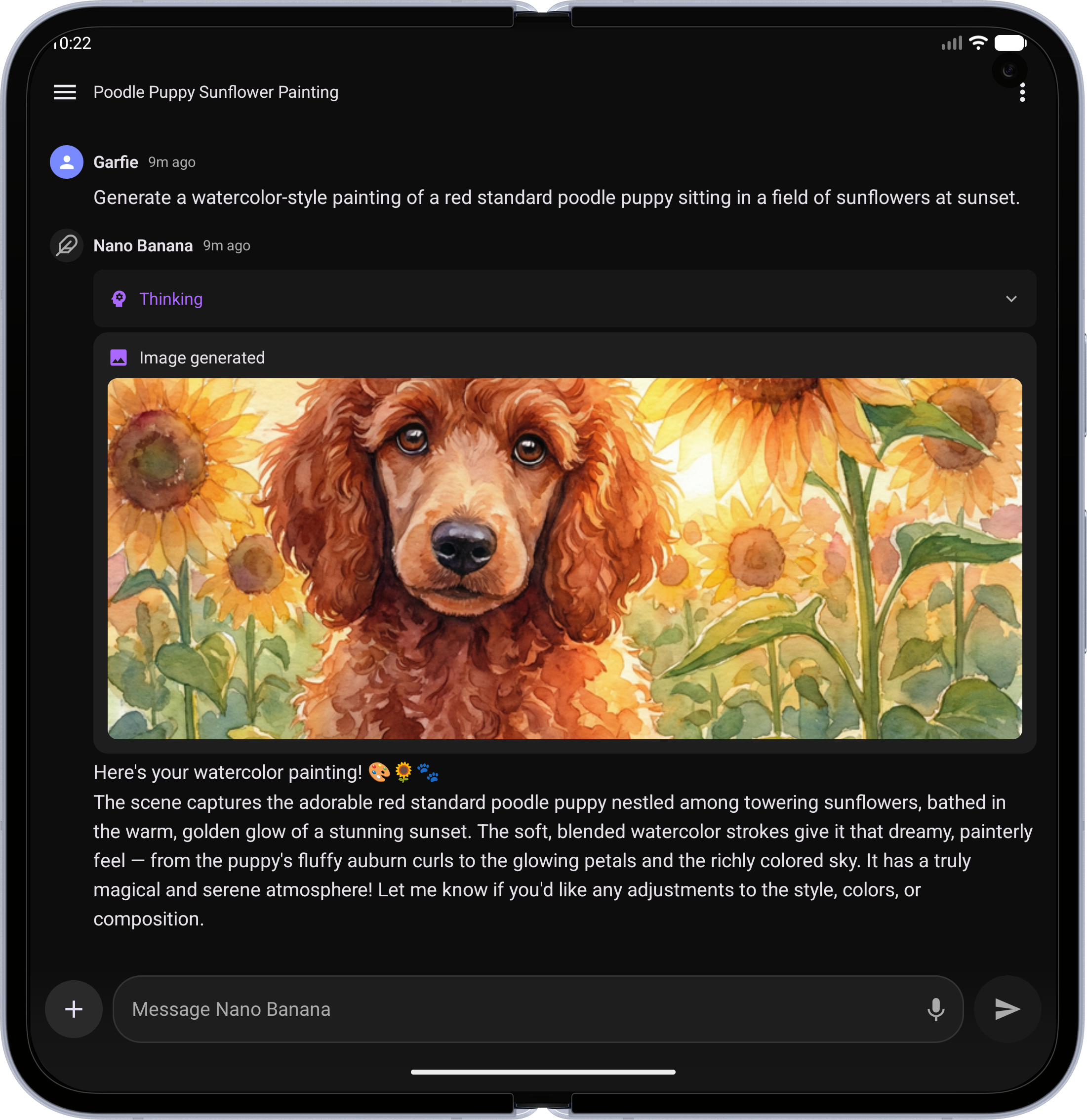 |
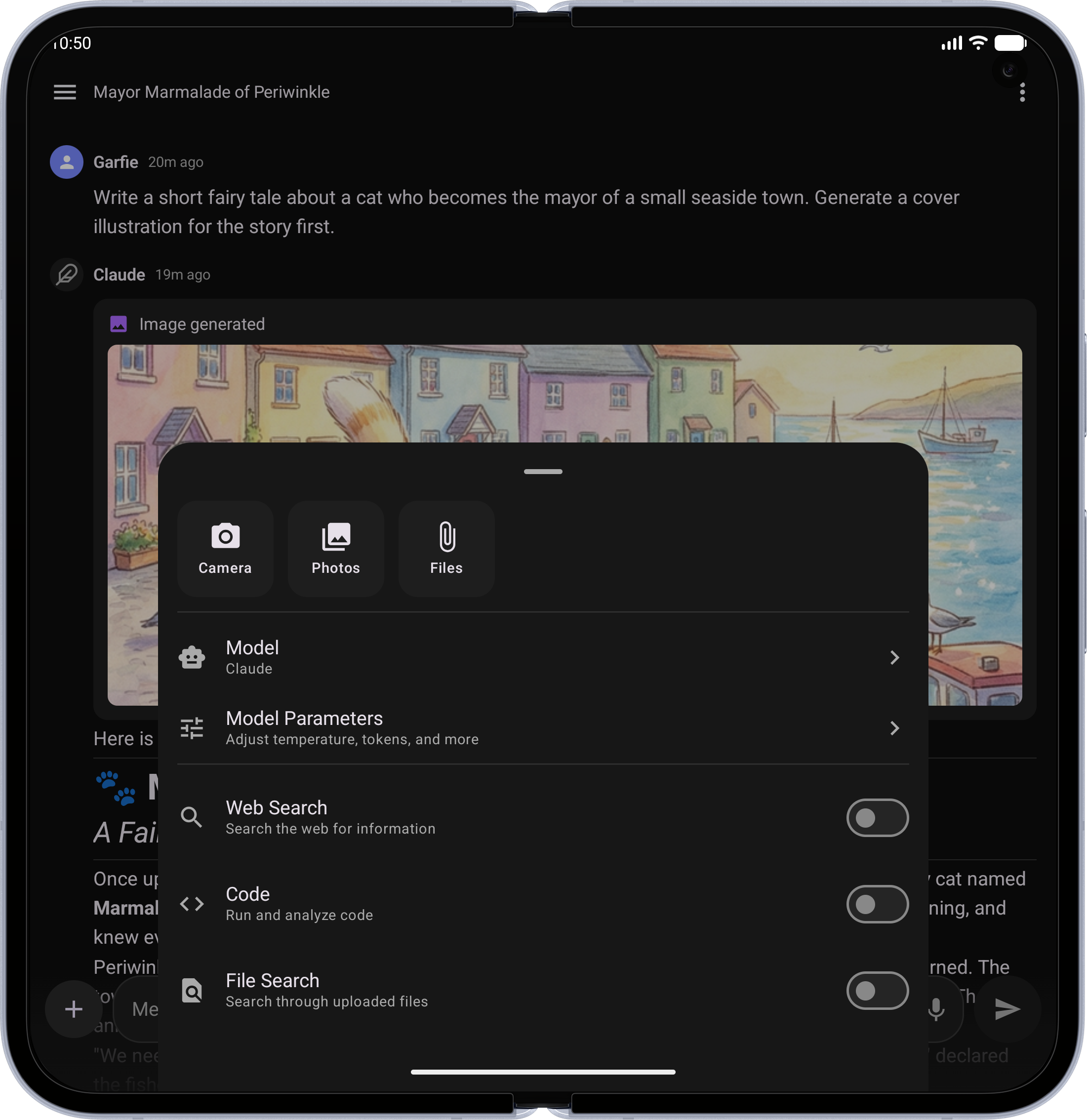
| Chat Options — Attach files, switch models, toggle tools, and tune parameters | 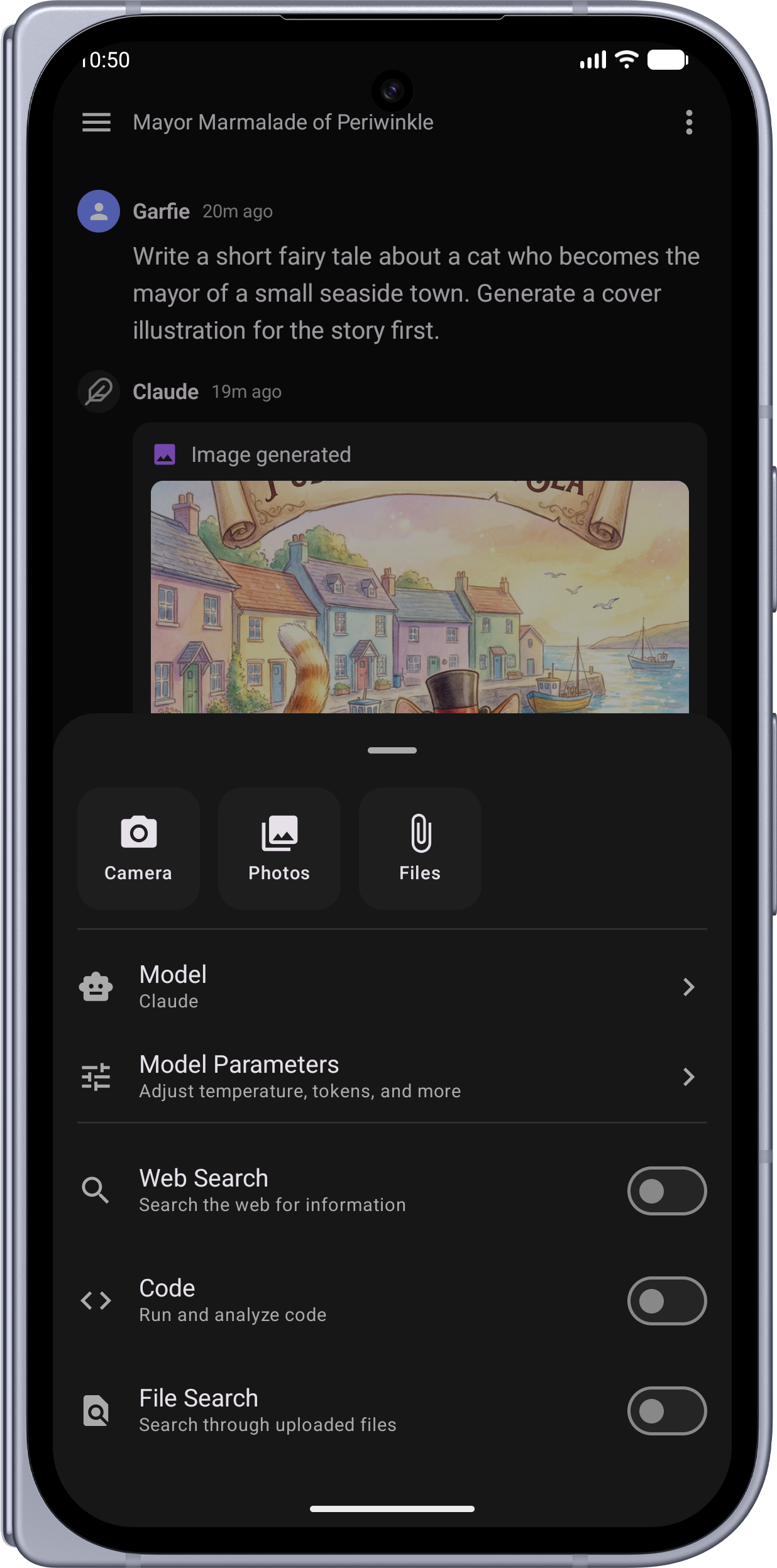 |
 |
| Model Selection — Searchable bottom sheet with models grouped by provider | 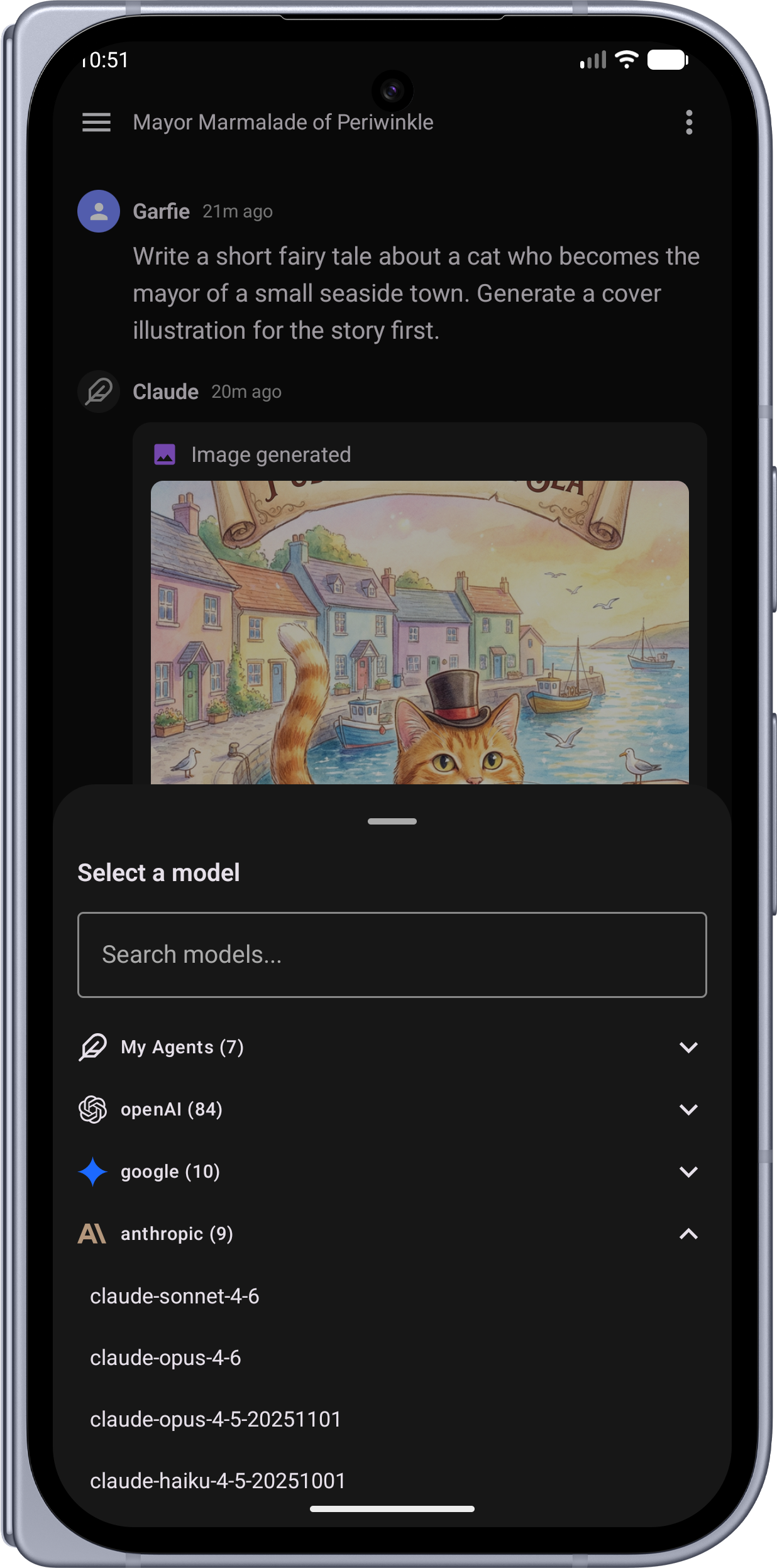 |
 |
| Model Parameters — Fine-tune temperature, top-p, tokens, and custom instructions | 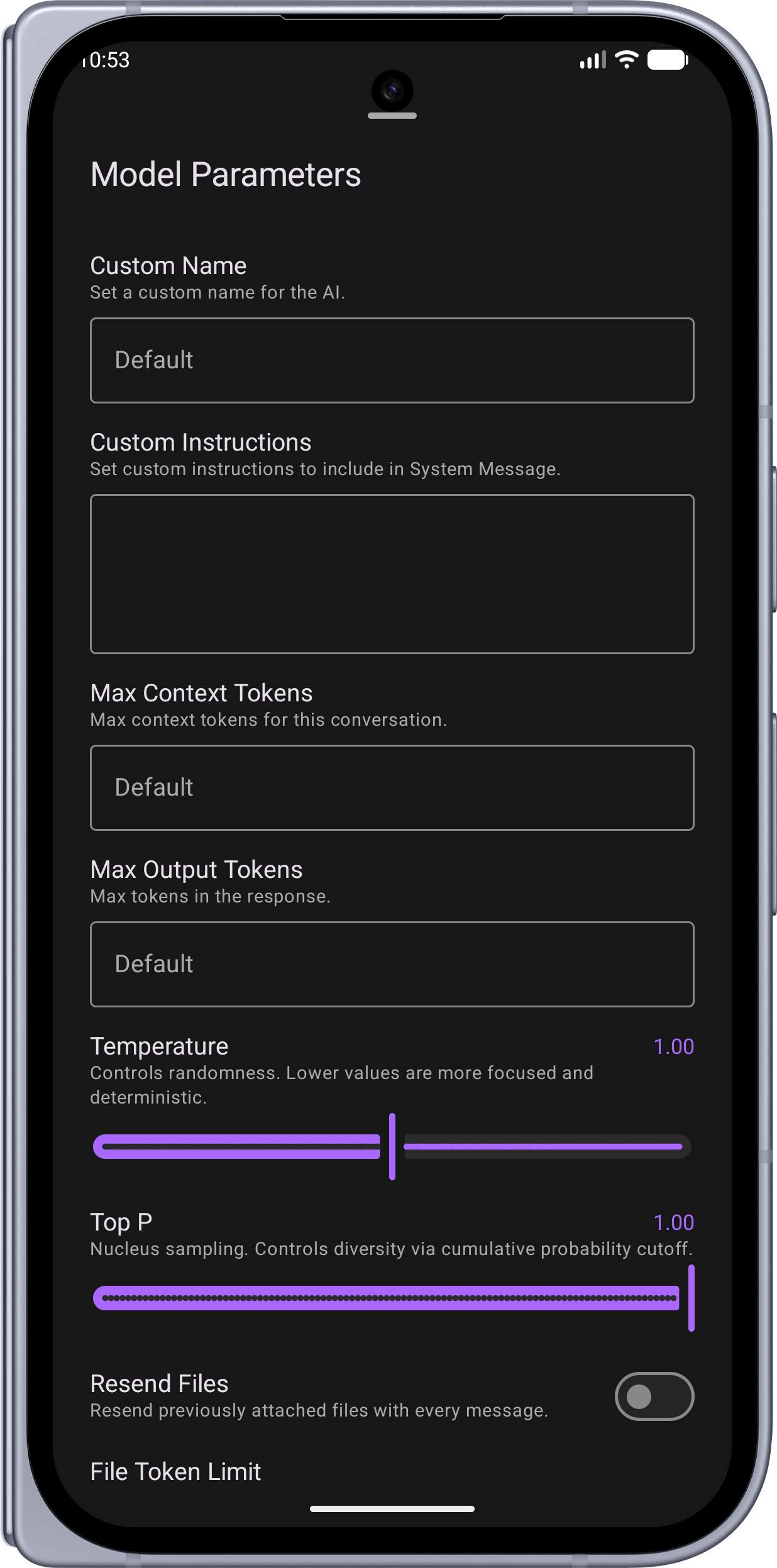 |
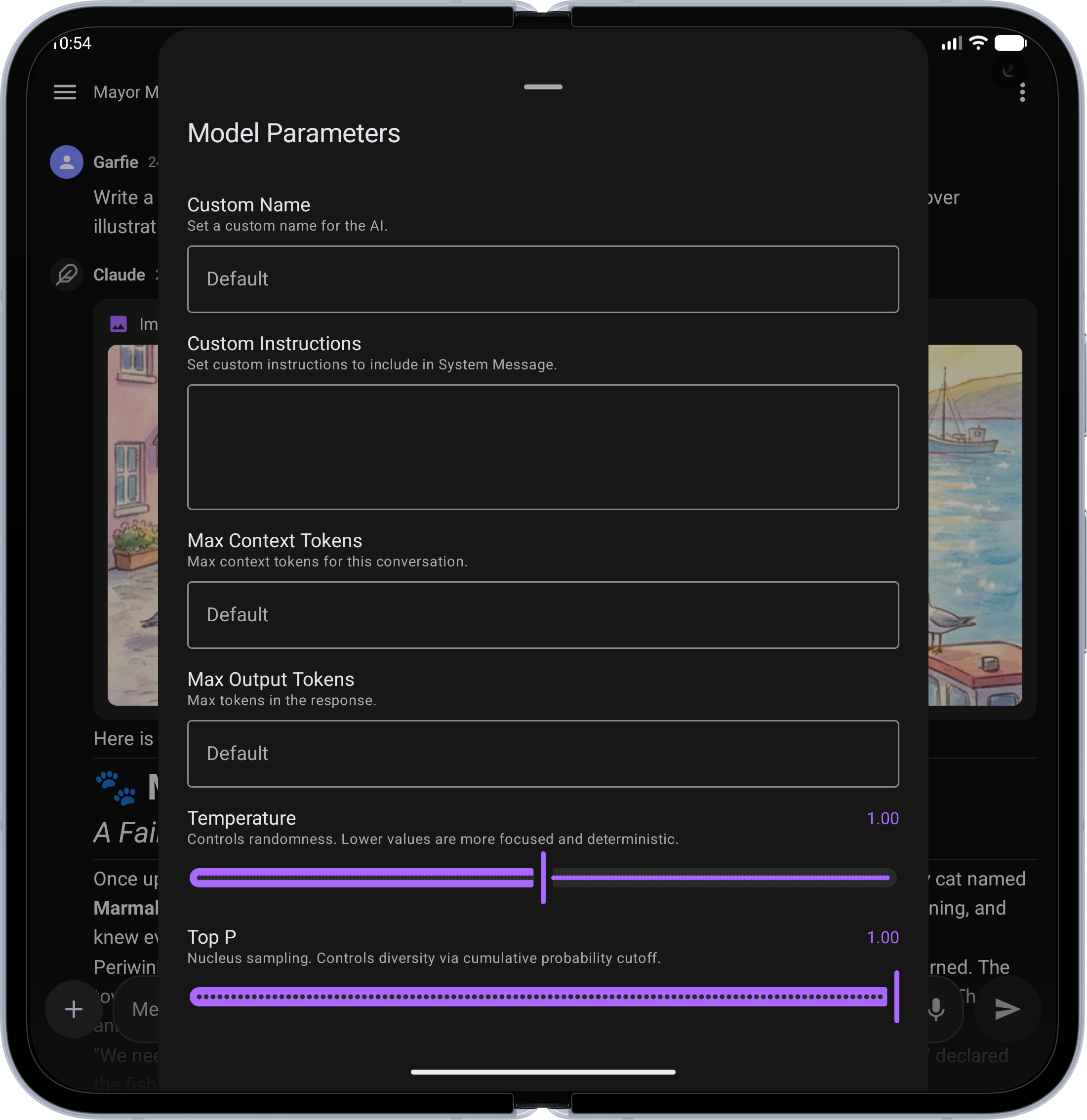 |
| Photo Upload — Attach images from your gallery or camera | 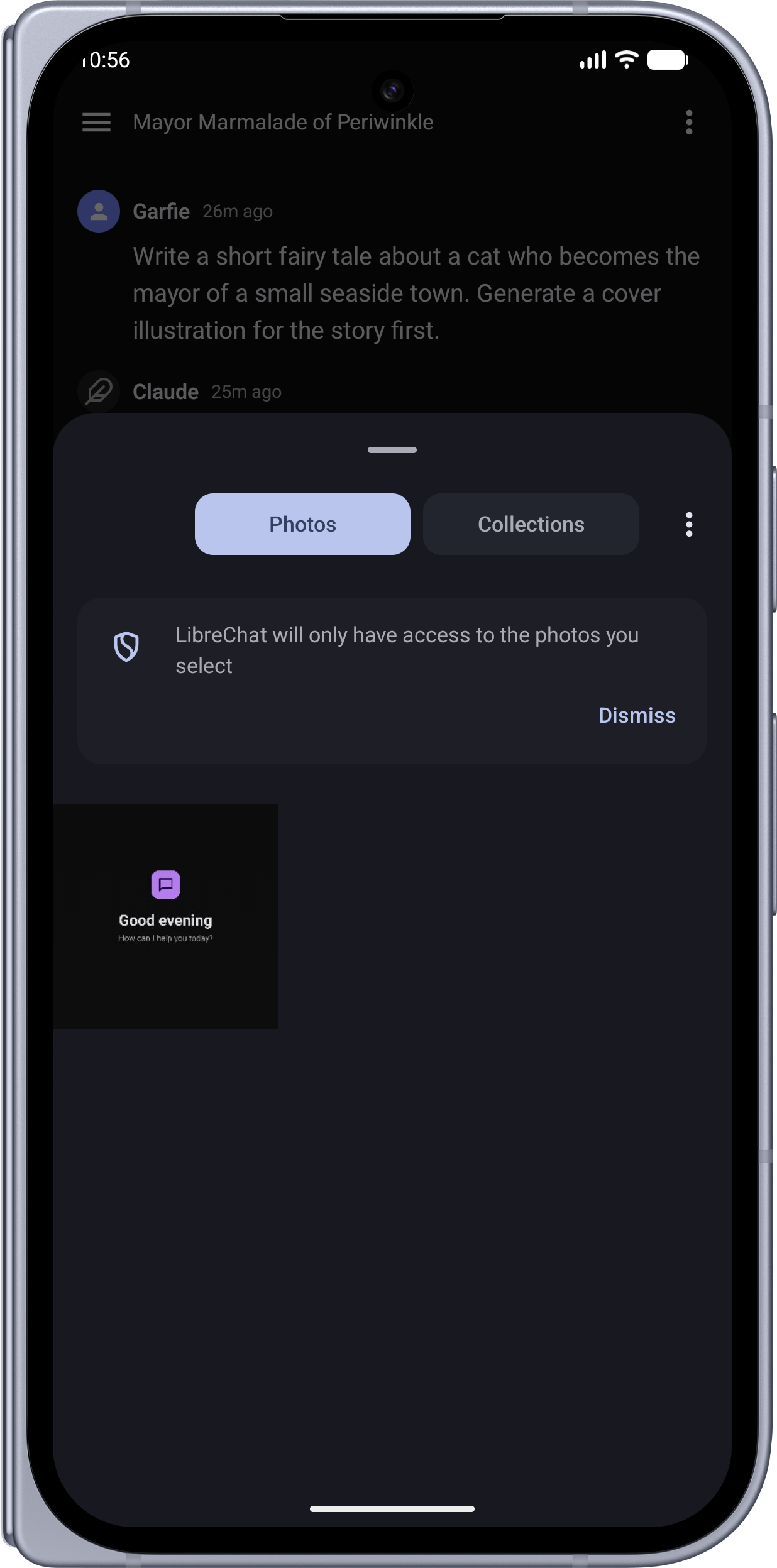 |
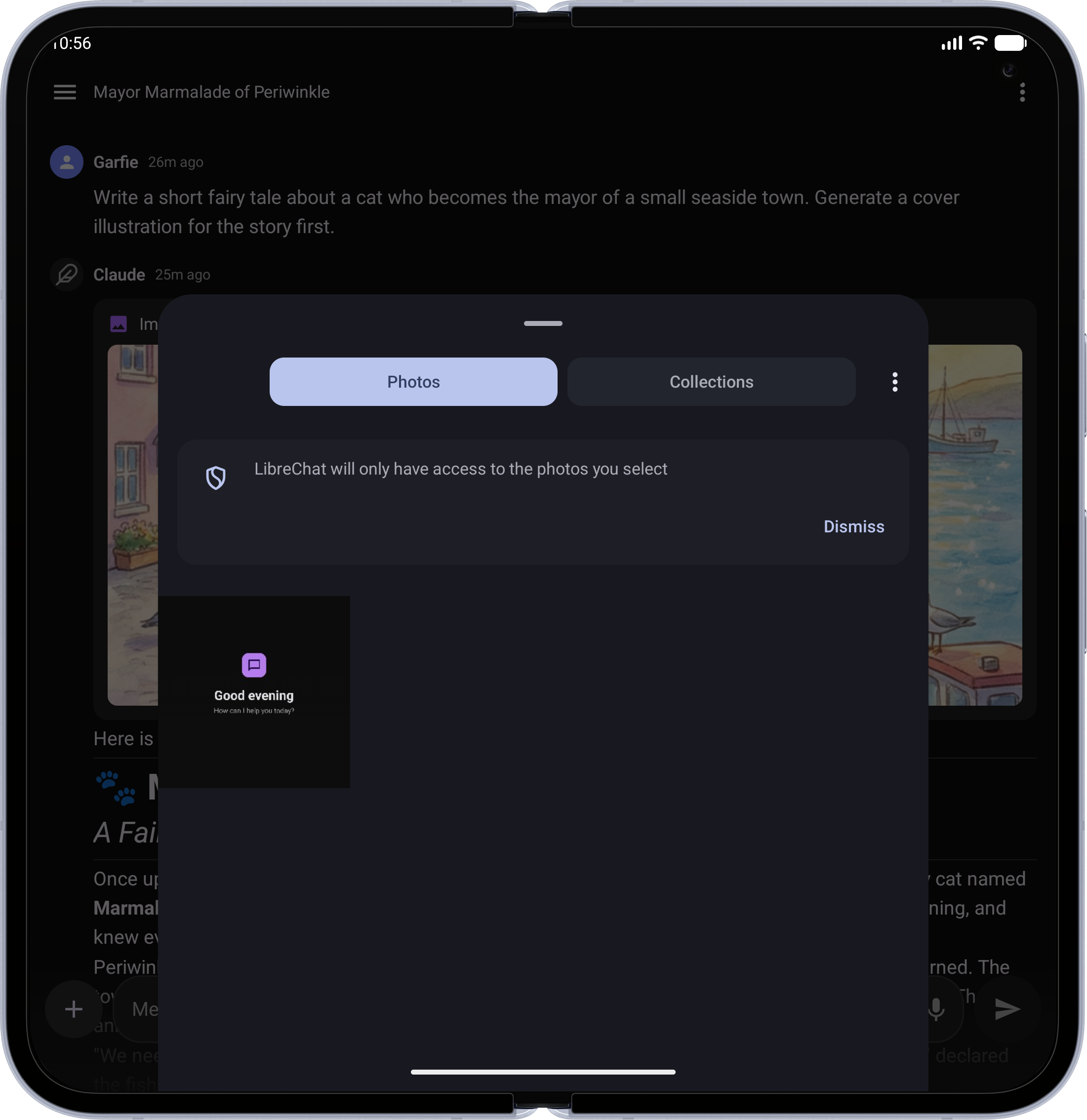 |
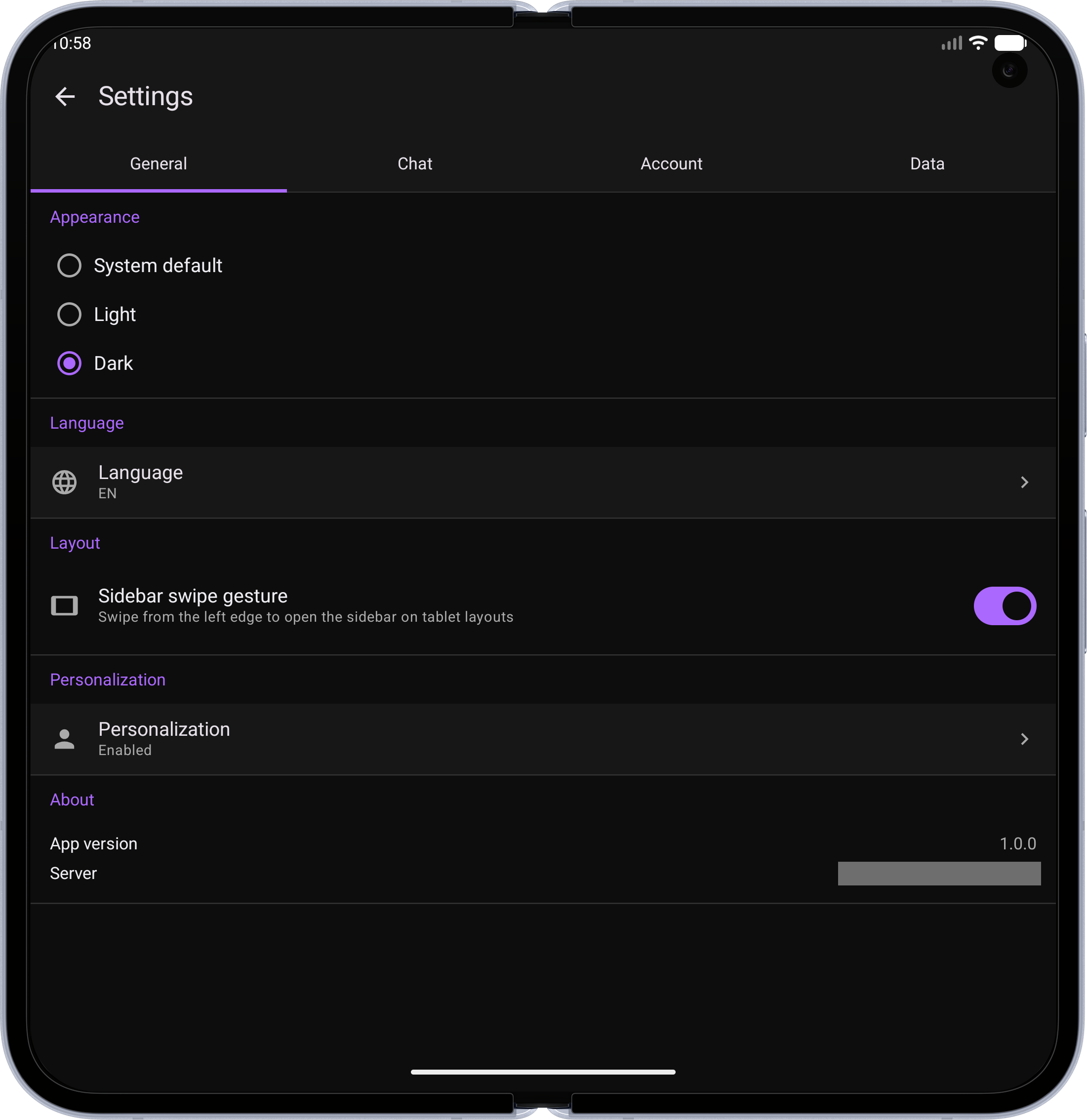
| Settings — Theme, language, layout, and personalization options | 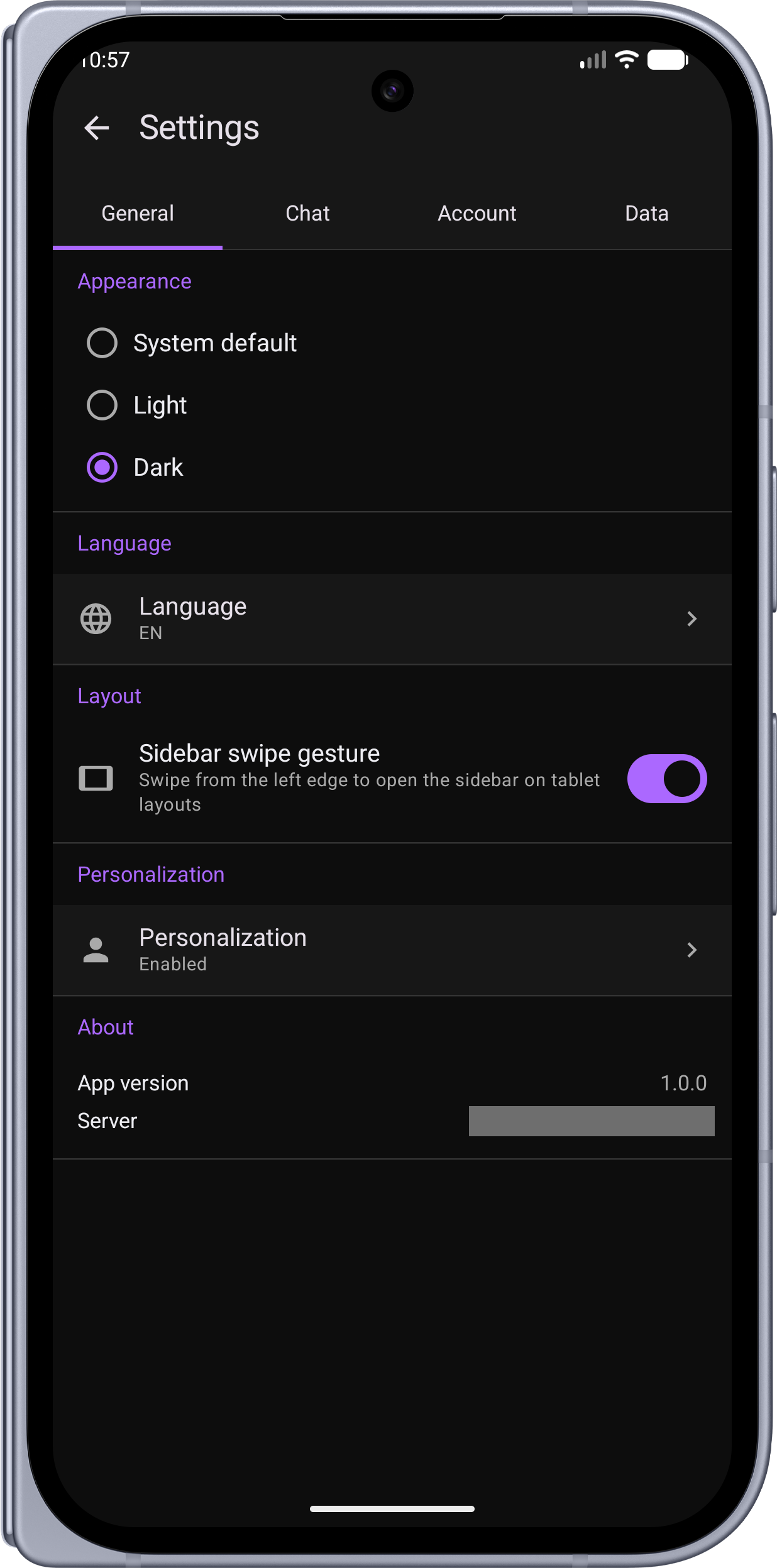 |
 |
Server Setup
The app works with any standard LibreChat server. During onboarding, you'll enter your server URL (e.g., https://chat.example.com or http://192.168.1.100:3080).
Required Configuration
Add the following to your LibreChat server's .env file:
# Safety net for native app clients.
# The app sends a browser User-Agent to pass the uaParser middleware,
# but if it ever fails to parse, this prevents ban point accumulation.
NON_BROWSER_VIOLATION_SCORE=0
Without this setting, the server's violation system may accumulate ban points against the mobile client if the User-Agent check fails, eventually locking the account out.
Self-Signed Certificates (iOS)
The iOS app can connect to a LibreChat server using a self-signed certificate, but iOS enforces strict requirements on all TLS certificates regardless of whether they are self-signed or CA-issued. The certificate must meet all of the following or iOS will reject the connection:
| Requirement | Details |
|---|---|
| Validity period | ≤ 398 days (for certificates issued after September 1, 2020) |
| Subject Alternative Name | DNS name must be present in the SAN extension — CommonName alone is not accepted |
| Key algorithm | RSA ≥ 2048 bits |
| Signature algorithm | SHA-256 or better (SHA-1 is not accepted) |
| Extended Key Usage | Must include id-kp-serverAuth (TLS Web Server Authentication) |
The 398-day validity limit is the most common cause of failures — a certificate that works in every browser but was generated with a multi-year validity will be rejected by iOS.
Setup steps:
- Generate a compliant certificate signed by your own CA (tools like
mkcerthandle all requirements automatically) - On your iPhone: Settings → General → VPN & Device Management — install your CA certificate
- Go to Settings → General → About → Certificate Trust Settings — enable full trust for your CA
Once the CA is trusted on the device, you only need to re-install it if you create a new CA. The server certificate itself (which you replace when it expires) does not need to be installed separately.
Android has no equivalent restrictions — self-signed certificates with any validity period work as long as the CA is trusted on the device.
Notes
- Registration — The app respects your server's registration settings. If registration is disabled server-side, only the login form is shown.
Requirements
| Tool | Version |
|---|---|
| JDK | 17+ |
| Android Studio or IntelliJ IDEA | Latest stable (recommended IDE for all code editing) |
| Xcode | 15+ (iOS only, Apple Silicon Mac required — IDE not needed, CLI only) |
| iOS Deployment Target | 16.0+ |
| Gradle | 9.4.1 (via wrapper) |
| Kotlin | 2.3.20 |
Building from Source
Android
./gradlew assembleDebug
The debug APK will be at app/build/outputs/apk/debug/app-debug.apk.
For a release build:
./gradlew assembleRelease
iOS
Simulator:
./gradlew :shared:linkDebugFrameworkIosSimulatorArm64
xcodebuild -project iosApp/iosApp.xcodeproj -scheme iosApp \
  -sdk iphonesimulator \
  -destination 'platform=iOS Simulator,name=iPhone 16' \
  -derivedDataPath iosApp/build build
Physical device:
./gradlew :shared:linkDebugFrameworkIosArm64
open iosApp/iosApp.xcodeproj
Then in Xcode: select your device, set your Team under Signing & Capabilities, and press ⌘R.
See iosApp/README.md for full build and launch instructions.
Tech Stack
- Kotlin Multiplatform (KMP) with shared business logic
- Jetpack Compose (Android) + Compose Multiplatform (iOS)
- Koin (dependency injection)
- Ktor Client (OkHttp on Android, Darwin on iOS)
- Kotlinx Serialization
- Room (cache), DataStore (preferences), EncryptedSharedPreferences / Keychain (tokens)
- Kotlin 2.3.20, compileSdk 36, minSdk 26
Contributing
See CONTRIBUTING.md for development setup, code style, and PR guidelines.
License
This project is licensed under the MIT License.